4
Operation
If necessary, the TECEsolid toilet electronics can be programmed via the
TECEsmartcontrol app.
Connection setup – App
To use the TECEsmartcontrol app you will need
• TECEsolid toilet electronics with power supply,
• a Bluetooth enabled device (mobile/tablet) and
• the TECEsmartcontrol app.
Here is the download code:
After launching the app, a pop-up requires the activation of Bluetooth,
then the Home view of the app opens. When programming the TECEsolid toilet
electronics, choose “Smartflush” (Smartflow is for programming the hygiene
flush):
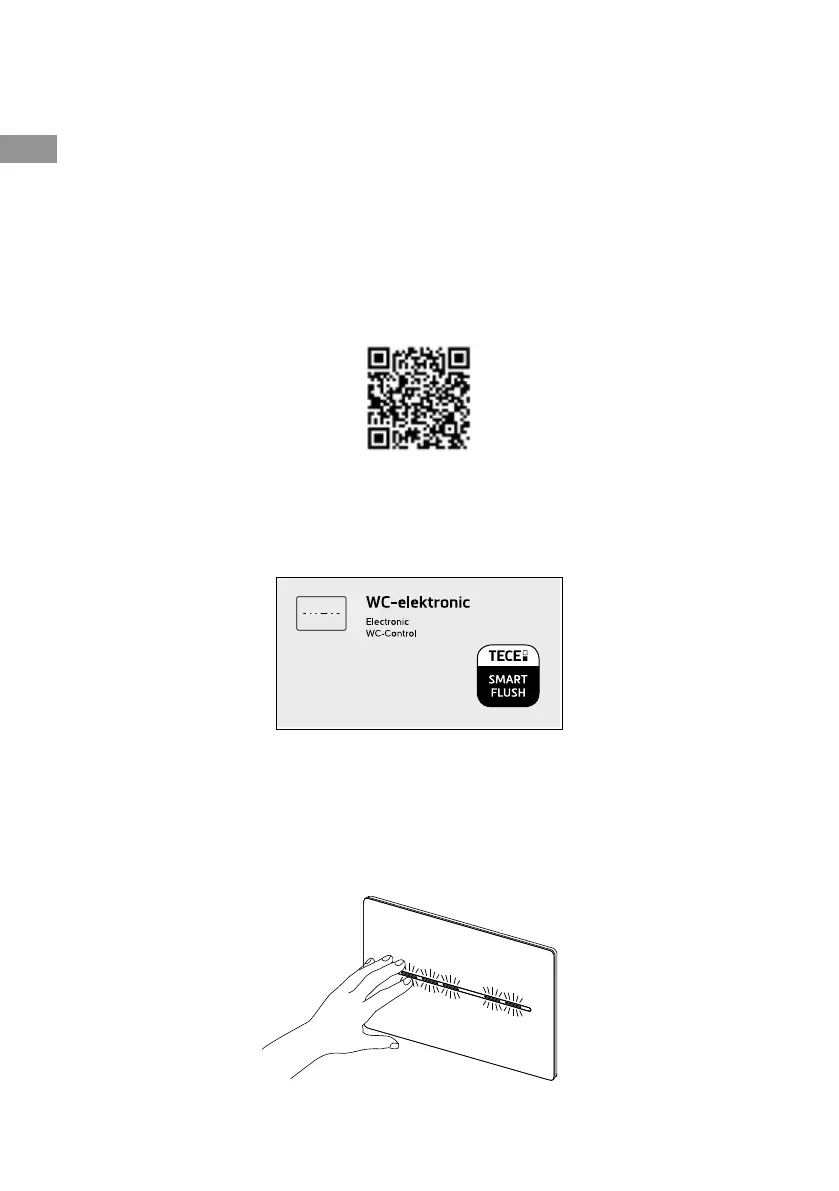
Press “Pull-down to refresh” or press the "Search for devices" button to allow
the app to search for nearby TECEsolid toilet electronics. Selecting the electro-
nics shown will establish a connection. To enable the electronics to be recog-
nised, they must be located within the recognition range of the electronics. You
can access the programming level once you have acknowledged this by pres-
sing the button:
EN



 To Next Page