TECEVO.CO.UK
PAIRING GUIDE – BLUETOOTH
1. Switch MFB (1) to position
2. LED(3) indicator flashing between red/blue
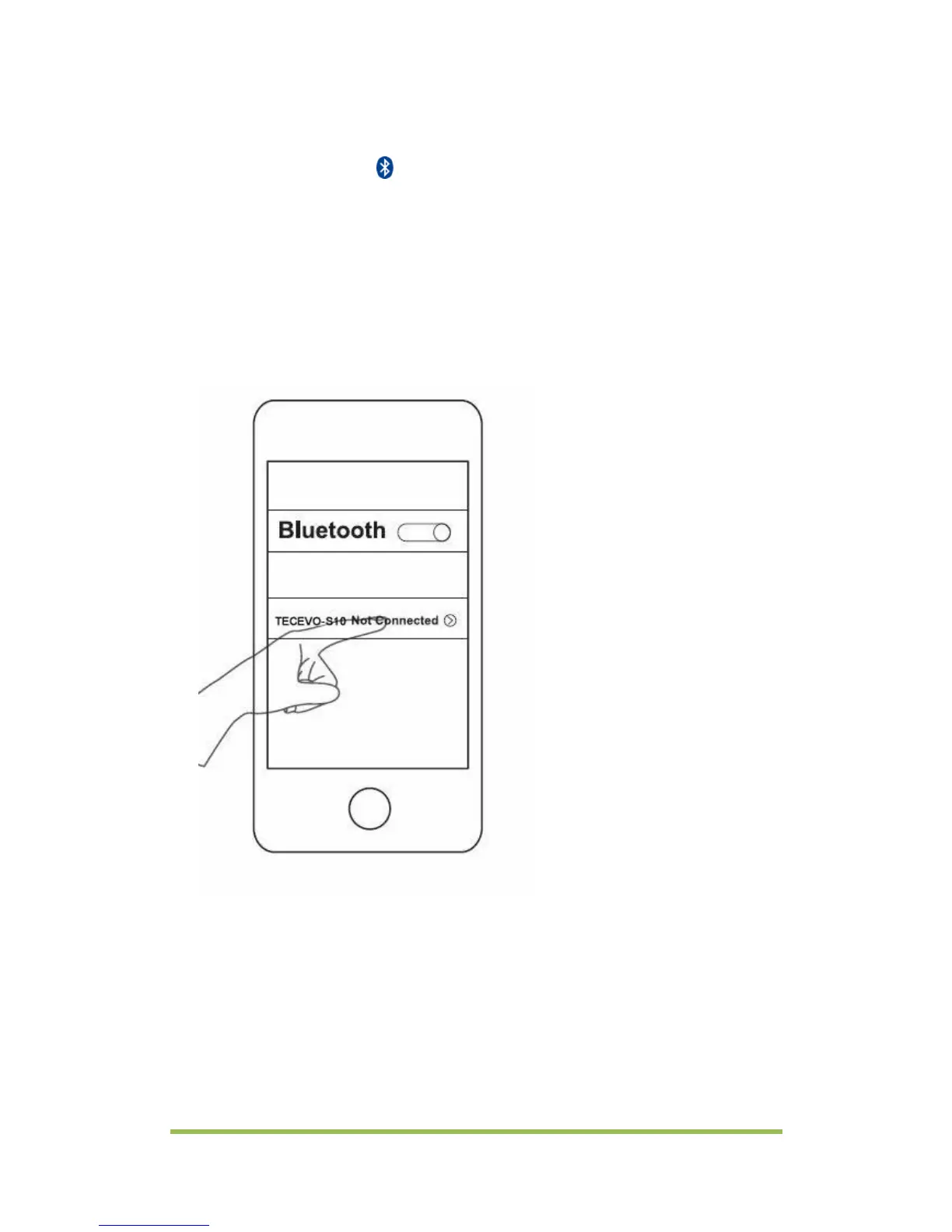
3. Turn on your phone’s Bluetooth and search for new device. Upon
a new device being found (TECEVO-S10), press the device's name
to pair.*
*Operations may vary depending on your device type, please refer to the
Bluetooth pairing procedures in your device’s user manual
4. The LED indicator will blink blue upon a Bluetooth link being
established and the device is now ready to use.
5. To pair with another device, turn off the S10 speaker, switch off
your first device’s Bluetooth function and repeat the procedure
above.
6. The S10 speaker will automatically connect to the last connected
device at power on.



 To Next Page