Headphone
The Headphone output overrides the speaker for undisturbed (and non-disturbing)
practicing. It can also be used as a 1/4" direct out, should an XLR input not be avail-
able on your recorder. You can then use your headphones through the mixer.
Speaker
With Tech 21’s exclusive technology coordinated with the 12” Celestion
®
and 10”
Eminence speakers, the Trademark 60 gives you the speaker cabinet configuration
associated with each tube amp style --ranging from a tightly focused open-back 1x12
to a big and smooth closed-back 4x12.
If an external speaker cabinet should be desired, simply plug in the speaker cable
from the external cabinet. This will defeat the internal speaker. We do not recommend
using a speaker rated at less than 8 Ohms, as a 4-Ohm speaker could cause
undesirable distortion and potentially overheat the amp. Using a 16-Ohm speaker
may result in loss of power.
SansAmp™ Direct Out
For recording in a home studio or pro facility, the SansAmp XLR Output is like having
a built-in direct box. The SansAmp circuitry not only captures the warm, rich, natural
harmonics and sweet overdrive characteristics inherent to tube amplifiers, its
speaker emulation encompasses all aspects of multiply-miked tube amp rigs. So
you can plug straight into the board and get the same sound that comes out of the
Trademark 60 directly onto tape.
The mic level, -20dB output is matched to the output volume of the speaker, as deter-
mined by the setting of the Level control. If you place a microphone in front of the
speaker, the volume level of the XLR Direct out will be approximately the same.
If you need to consider family and neighbors, you can defeat the internal speaker by
plugging a dummy cable either into the Speaker jack or the Headphone jack. You can
then use headphones through your mixer.
For live gigs, you can use this output to go direct into a PA system or to chain with
our own
Power Engine 60™
powered
extension cabinets, in mono or stereo. (See
sample Hook-up Diagrams and refer to Optional Extension Cabinets in the
Specifications for more information.)
7
NOTE: If you use the XLR Direct out and a mic, you may experience a thin sound
caused by phase cancellation. Try repositioning the mic until it goes away or invert
the phase of one of the signals.
Ground Lift
Connects or disconnects the ground circuits between the XLR Output of the amp and
the mixer. We recommend starting with the ground lifted. If necessary, connect the
ground by pushing the button in.
Effect Loop
The Effect Loop allows you to connect both rack and pedal effects between the pre-
amp and power amp section of the Trademark 60. And with the Footswitch, you can
remotely activate them. You can then keep the effect(s) either on top of the amp for
easy access, or stashed neatly in the back of the amp. Note: The Channel Level con-
trols vary the level at the Send jack.
Connect the input of your effect to Send; output of your effect to Return. We recom-
mend that time-based (i.e., chorus or delay) effects be inserted in the Effect Loop and
external distortion/wah pedals be placed between the guitar and the Trademark 60.
On the next page, you’ll find some helpful Effect Loop diagrams for chaining
Trademark 60s to increase your stage volume, adding a remote volume control, as
well as how to hook-up two Trademark 60s for stereo.
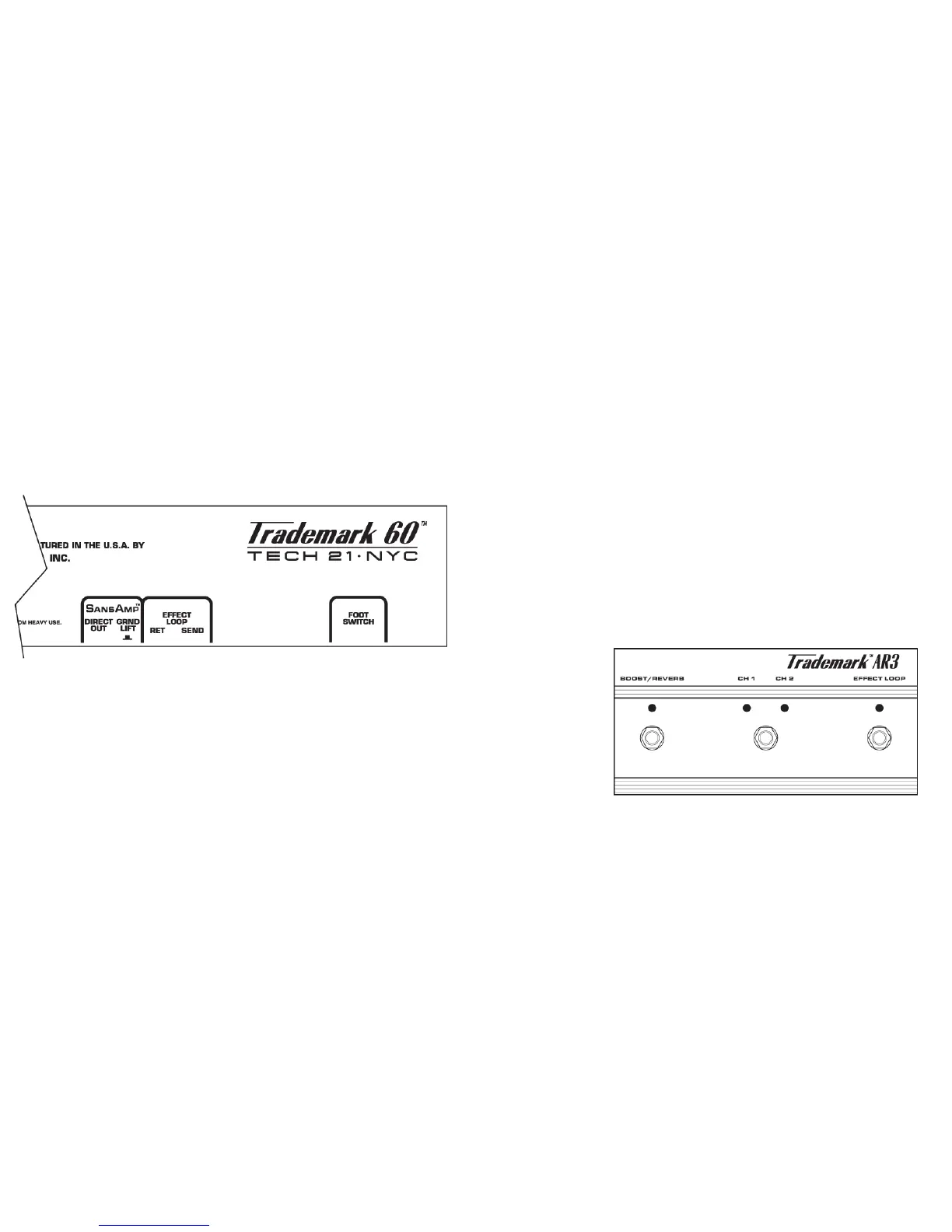
TRIPLE-FUNCTION FOOTSWITCH (included)
The Footswitch selects channels, activates the Boost/Reverb function, and engages
the Effect Loop. Corresponding LED indicators let you know the status of each
switch. The
Footswitch is pow-
ered via the cable,
so batteries are not
required.
Unlike most amps
which require a
custom multi-pin
connector, this
Footswitch is engi-
neered to utilize
any standard 1/4”
instrument or speaker cable. You can easily replace the included cable should you
lose it, or purchase a different cable length to suit your particular needs.
Replacement Footswitch (Model #AR3) is available through your local authorized
dealer or Tech 21 directly.
In a pinch, you can use any standard latching footswitch to change channels. In this
case, be aware that the Effect Loop and Boost/Reverb function will not be switchable
and they will remain on as if in manual mode.
8



 To Next Page
 Loading...