EasyManua.ls Logo

Tech Toyz Aeroblade - User Manual

Tech Toyz Aeroblade
6 pages
Print Icon
To Next Page IconTo Next Page
Loading...
AGES 12+
RJH-4/6046
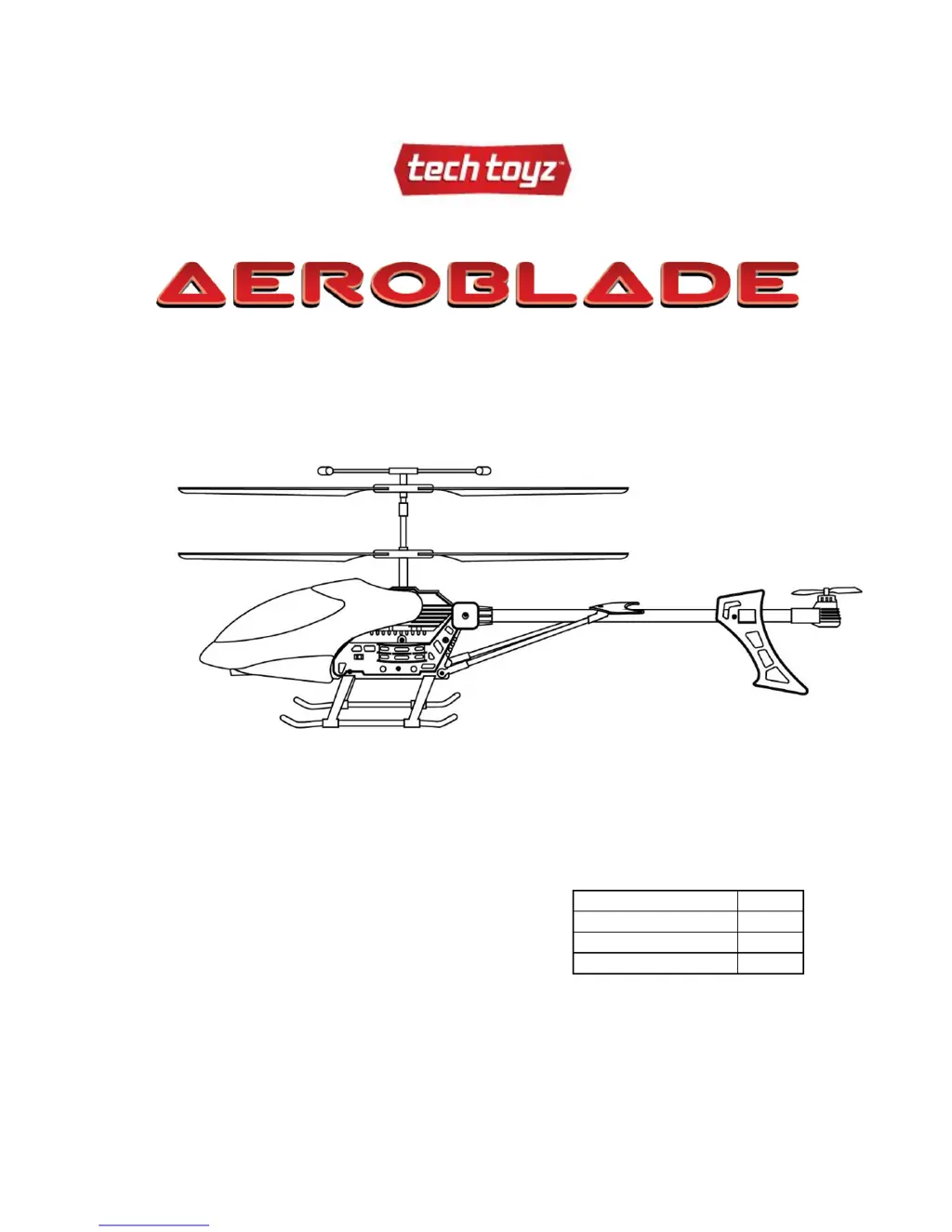
Wireless 3.5 Channel Mega Helicopter
(Instruction Manual)
Main rotor diameter:
14.5”
Fuselage Length:
15.5”
Fuselage Height:
8.5”
Total Weight:
0.68lbs
Note: Physical damage to the product or its parts, caused due to operational reasons is not
covered in the warranty. Manufactures/distributors/retailers are not responsible and/or liable for
any damage or loss of property caused due to use of this product.

Questions and Answers

  • N
    Natalie CaldwellAug 1, 2025
    What to do if the Tech Toyz Toy controller doesn’t work?
    • L
      Laurie LawsonAug 2, 2025
      If the controller for your Tech Toyz Toy isn't working, there are a couple of things to check. First, ensure that the batteries are installed with the correct polarity. If they are, the next step is to replace the batteries, as they might be drained.
  • B
    brianortizAug 11, 2025
    Why Tech Toyz Toy helicopter doesn’t fly high enough?
    • N
      Nicole MccormickAug 11, 2025
      If your Tech Toyz Toy helicopter isn't reaching the desired altitude, it could be due to a couple of reasons. The rotor speed might be too slow, so try pushing the left stick (throttle stick) upward. Alternatively, the helicopter may not be fully charged, so ensure it is completely charged before flying.
  • F
    Frank HughesAug 21, 2025
    What to do if there is no control of Tech Toyz Toy?
    • Y
      Yolanda SmithAug 21, 2025
      If you're experiencing a loss of control with your Tech Toyz Toy, there are several potential causes. First, make sure that the controller is turned on. Second, avoid flying in windy conditions, as this can limit or disturb your control. Finally, ensure the antenna is completely secured into the controller and pulled out, so that the helicopter receives commands appropriately.

Summary

Instructions to Assemble the Controller

Battery Charging Instructions

Suitable Flying Conditions

Prepare for Take Off

Control Information

Ascend Control

Pushing the throttle stick upward increases rotor speed, causing ascent.

Descend Control

Pulling the throttle stick downward decreases rotor speed, causing descent.

Head Turning Left Control

Moving the right stick left rotates the helicopter's nose to the left.

Additional Helicopter Controls

Head Turning Right Control

Moving the right stick right rotates the helicopter's nose to the right.

Forward Movement Control

Pushing the right stick upward moves the helicopter forward.

Backward Movement Control

Pushing the right stick downward moves the helicopter backward.

Additional Information & Trim Adjustment

Rudder Trim for Spinning

Adjust rudder trim to correct excessive left or right spinning.

Safety Tips

Troubleshooting Guide

Additional Information & Performance Tips

Warning and Age Recommendation

Care and Maintenance

FCC Instructions and Compliance

Limited Warranty Details

Service and Repair Information

Tech Toyz Aeroblade Specifications

General IconGeneral
BrandTech Toyz
ModelAeroblade
CategoryToy
LanguageEnglish