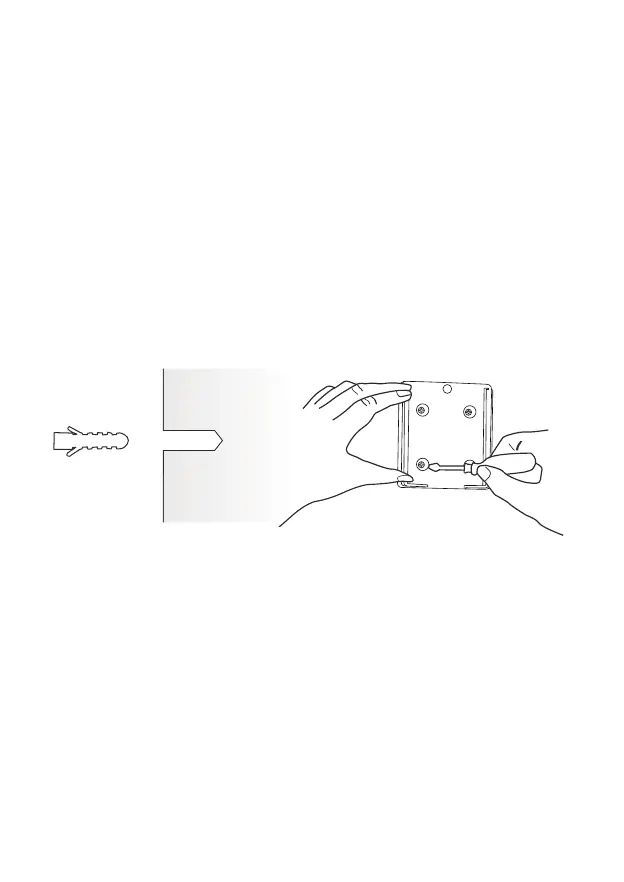
Use the drilling tool to punch holes on the wall according to the
hole distance of the base. It is recommended to mark the holes
on the wall with a pencil before drilling. Screw the expansion nut
into the holes on the wall, and then connect the bracket to the
expansion nut with screws to complete the fixing.
(2) Install the bracket
1) Bracket installation:
Insert the camera into the fixed bracket from top to bottom.
2) Camera installation:
12



 To Next Page