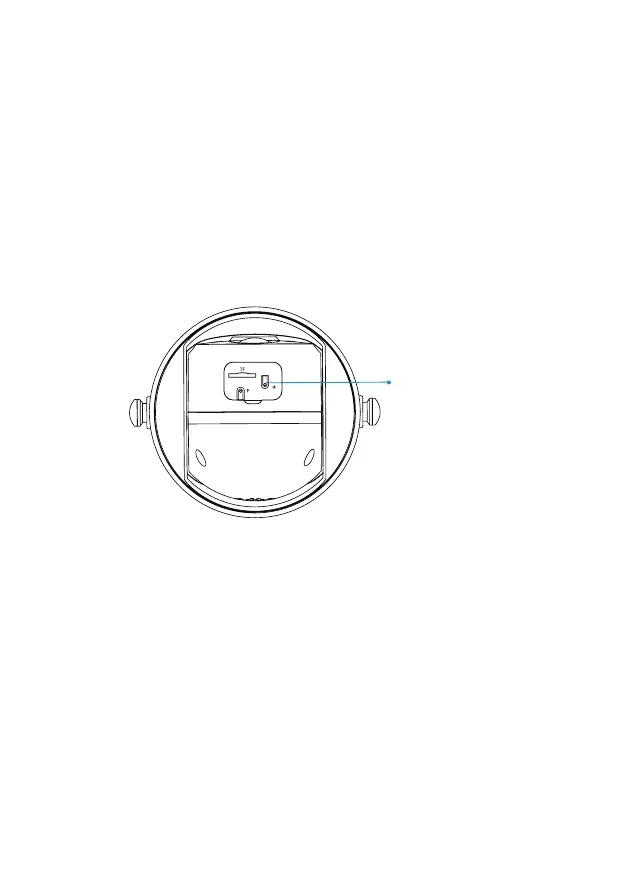
Set Up the Camera
Step 1) After pressing the camera switch for 3 seconds, the camera
will turn on. The camera will emit the scanning sound "Ding Dong
Ding Dong" after it is turned on ( if you do not hear it, please
quickly press the power button twice).
Step 2) Tap on the "Add Camera Now" button on the App and
follow the on screen instructions for the Battery Camera by long
pressing the power button on the bottom of the camera. Once you
hear the camera chime please tap on the circle next to "I heard
the sound or saw the light on", then tap on "Next Step".
Step 3) On the following page please confirm that you hear the
camera emitting a beeping sound and tap on the circle next to
"I heard a beeping sound" then tap on "Next Step".
Power Button
06



 To Next Page