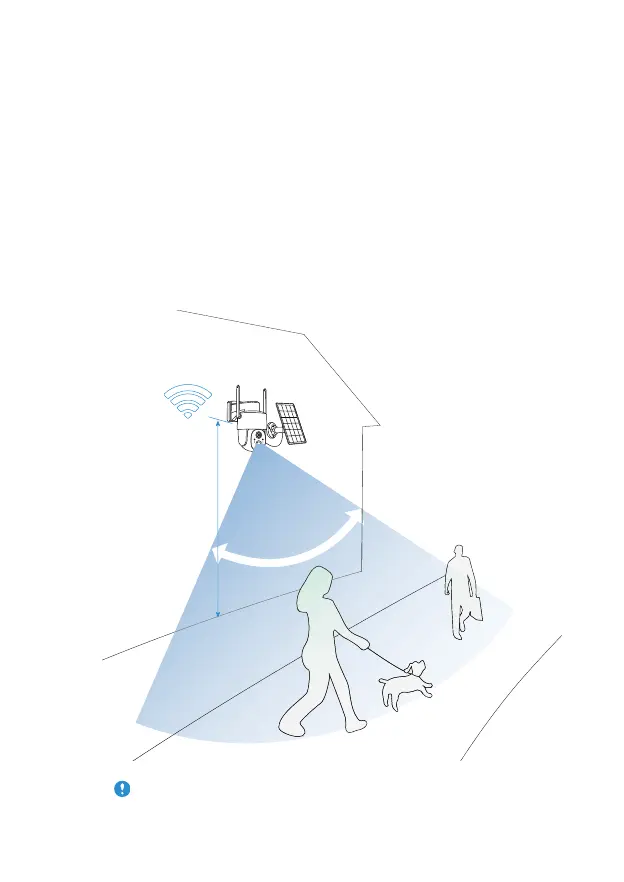
height About 6 ft
ommended Rec
Select a good spot for your camera, please install the camera in a
position where its view is not blocked and ensure that it is within
the coverage of the WiFi network. The PIR infrared sensor is more
sensitive to movements across the camera's field of view than
movements toward or away from the camera.
For outdoor use, please install the camera upside down to
maximize the waterproof performance and the human
bodyinfrared sensor's effectivity.
(1) Select a good spot for your camera
Install the Camera
11



 To Next Page