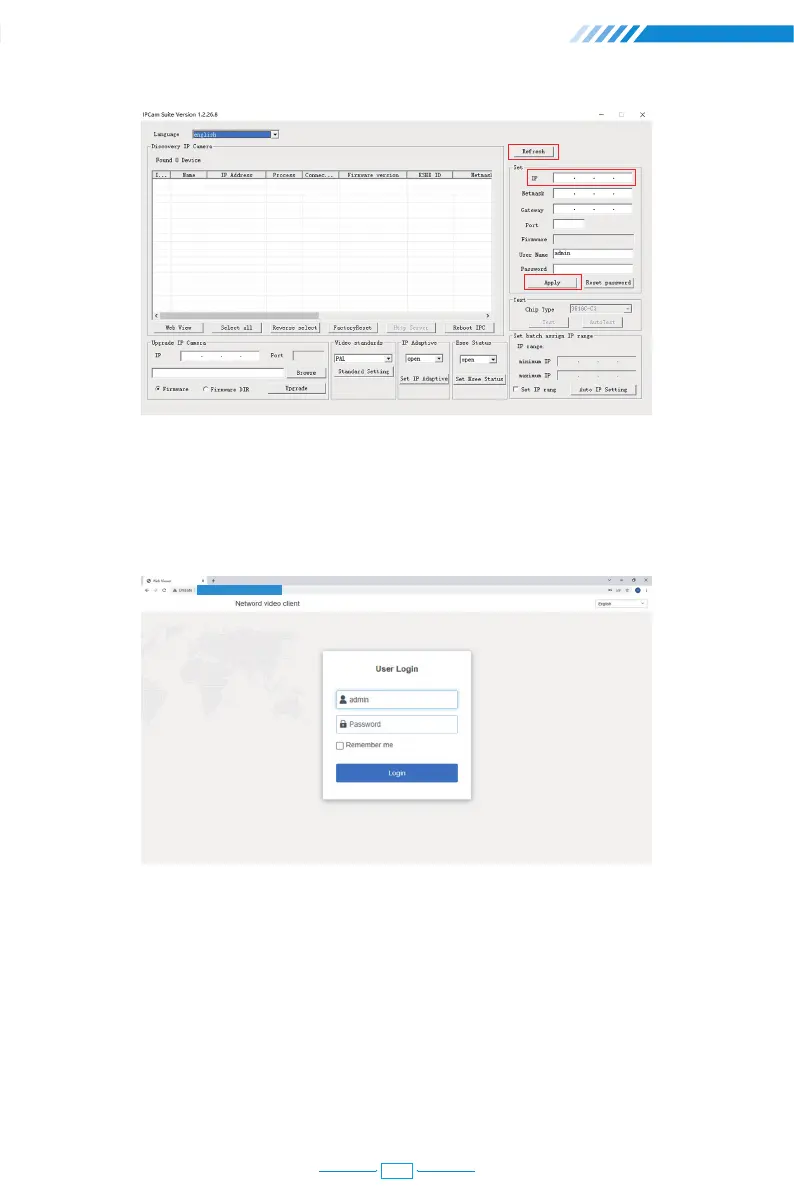
[User Name] Enter the NVR's User Name (default: admin)
[Password] Enter the NVR's Password set (default: No password required, just leave blank.)
Step 3 :
Enter the NVR's IP address in your Google Browser in format http://IP Address,
for example: http://192.168.1.188 (If the default web port 80 has been changed e.g.to 100,
you will need to add the new port number when you input the IP address in the browser,
for example : http://192.168.1.188:100).
192.168.1.188:100
25



 To Next Page