© 2018 techBite. All rights reserved. Flix Gamepad - EN
4
USER MANUAL
Flix Gamepad
Lot number: 201810
For the sake of your safety, please read this manual carefully.
Manufacturer:
mPTech Ltd.
Nowogrodzka 31 street
00-511 Warsaw
Poland
Website: techBite.eu
Manufactured in China
User manual
The actual product, accompanying accessories and some of its
features may differ from the presented in this manual images
and descriptions. The newest version of the manual is available
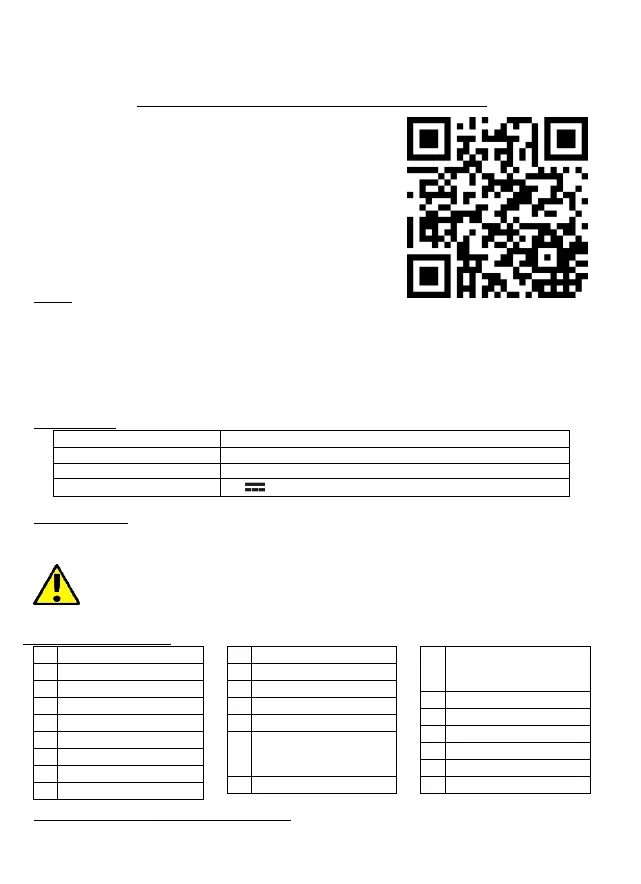
on the website: www.techbite.eu/qr/flix-gamepad
Safety
Read these guidelines carefully. Not following them may be dangerous or illegal. All wireless devices
may cause interferences, which could affect the performance of other devices. Do not switch on the
device when the use of mobile phones is prohibited or if it might cause interference or danger.
Abide by any kinds of prohibitions, regulations and warnings conveyed by the staff of the site. Do
not use this device while driving any kind of vehicle. Only qualified personnel or an authorized service
center may install or repair this product. Repairing by an unauthorized or unqualified service may
cause device damage and warranty loss. The battery should be used according to its purpose.
Technical Data
Bluetooth 3.0, wired (USB)
Built-in Li-po 600 mAh battery
Android 7.0, Android TV 7.0, Windows 7 or later, PS3
Package content
Flix Gamepad + microUSB-USB cable
User manual + Warranty card
If any of the above items is missing or damaged, please contact your dealer. We advise
to keep the container in case of any complaints. Keep the container out of reach of
children. Dispose of container in accordance with local regulations when it is no longer
needed.
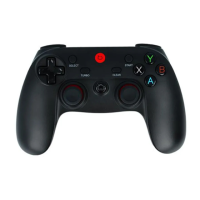
Components of the device
L3 button (after pressing
the left analogue
controller)
R3 button (after pressing
the right analogue
controller)
Right analogue controller
Before the first start - recharging the battery
Before turning the device on for the first time, charge the battery using the power cord provided.


 To Next Page