12
Emergency call
Refer to the instructions page 14 of this manual for
more information on how to lock/unlock the SOS button.
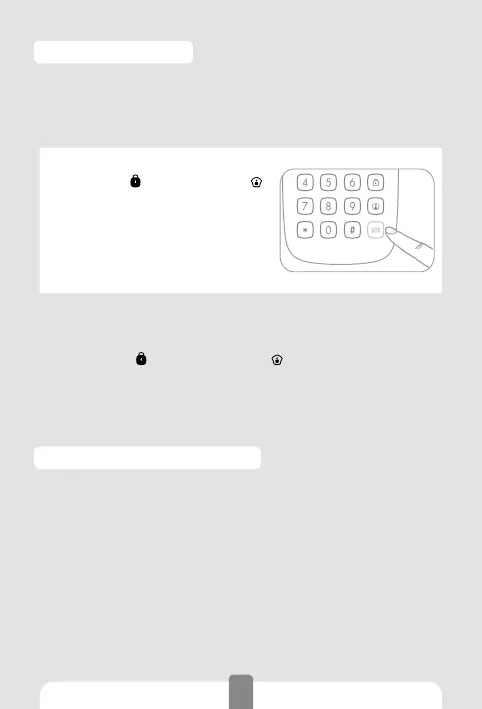
With SOS button unlocked
1. Press Arm [
] or Home Mode [ ]
on the keypad to unlock it.
2. Press [SOS].
3. The LED indicator blinks once,
the keypad beeps once, and the
alarm is triggered immediately.
With SOS button locked
1. Press Arm [ ] or Home Mode [ ] on the keypad to un-
lock it.
2. Type your user code or admin code.
3. Press [SOS] to trigger the alarm immediately.
Low battery indication
When the battery level is low, the LED indicator blinks 3
times every 5 seconds. In such case please change the
batteries.



 To Next Page