14
If the exit delay has been set, the control panel will beep
once every second after having pressed the Arm [ ] key.
The rhythm of the beeps will speed up during the last 15
seconds. After the exit delay time has elapsed, the con-
trol panel is armed. If an exit delay has been set up for
both the control panel and the keypad, the actual delay
time will be the combination of both exit delays.
This setting does not apply to the Home Mode.
Remark
Only the Exit delay can be set on the keypad. The Entry
delay can be set on the control panel (refer to the user
manual of your alarm system).
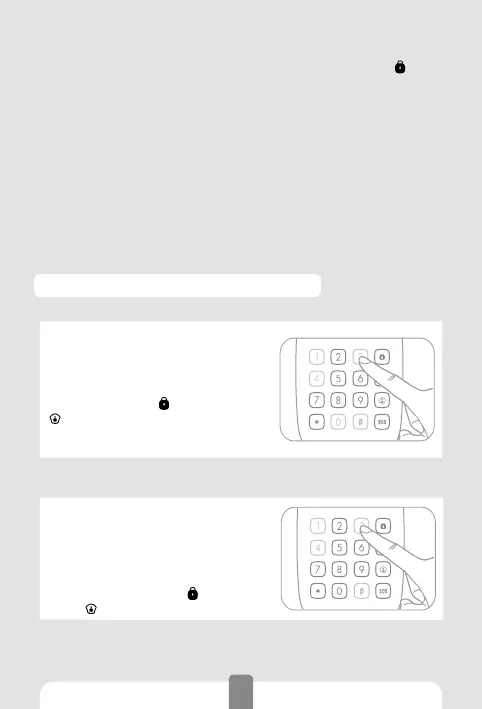
Lock / Unlock the SOS button
Lock the SOS button
1. Enter Setup mode.
2. Type [3410#].
3. Your hear one beep: the Setup is
successful.
If the SOS button is locked, you will
need to press Arm [
] (or Home Mode
[
]) to unlock the keypad, to type
your admin or user code, then to press
[SOS] to trigger the alarm.
Unlock the SOS button
1. Entet Setup mode.
2. Type [3411#].
3. You hear one beep: the setup is
successful.
If the SOS button is unlocked, the
control panel ring out immediately
when you press Arm [
] (or Home
Mode [
]) and then [SOS].
Remark
Default setting: SOS button is locked.



 To Next Page