PORT NAME DESCRIPTION
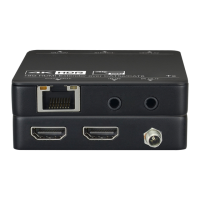
HD IN/HD OUT HDMI signal input/output
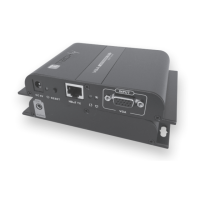
UTP RJ45 port connect cat.6 cable
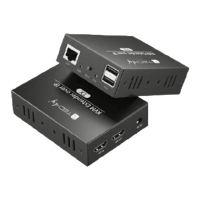
USB USB cable connect to PC
KVM Connect to keyboard and mouse
RESET System reset button, press 5 seconds
DC 5-12V Power adapter socket
LED INDICATOR DESCRIPTION
PWR System power indicator
STA Video signal indicator
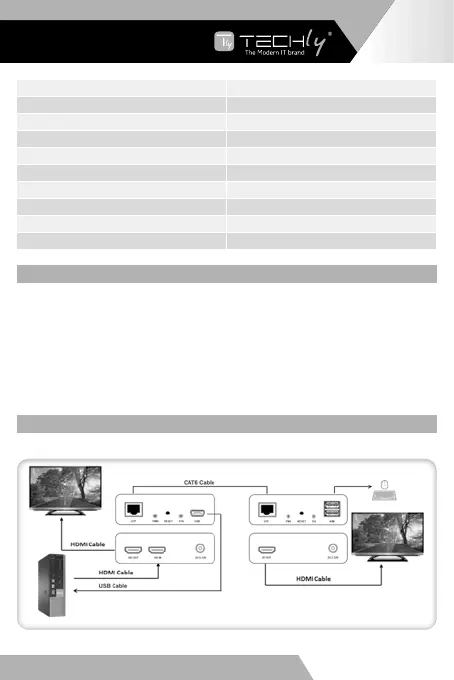
INSTALLATION PROCEDURES
1. Connects the HDMI source to HDMI IN port of the extender transmitter; connects the HDMI OUT port
on trasmitter to local display device with HDMI cable;
2. Connects the receiver HDMI extender to display devices (such as high-definition TV, splicing screen,
etc.);
3. Connects the USB Mini-B port of the transmitter to computer using cable provided and connects
keyboard and mouse to the receiver USB connections;
4. Using Cat.6 cable, connects the transmitter and the receiver RJ45 interfaces of extender;
5. Connects transmitter and receiver to the power, when the LED lights up fixed, the extender is ready
to work normally.
DIAGRAM
ONE TO ONE APPLICATION
UP TO 100 M DISTANCE
EN - 5
WWW.TECHLY.COM
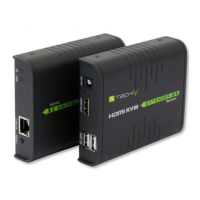
HDMI KVM EXTENDER
OVER IP







 To Next Page