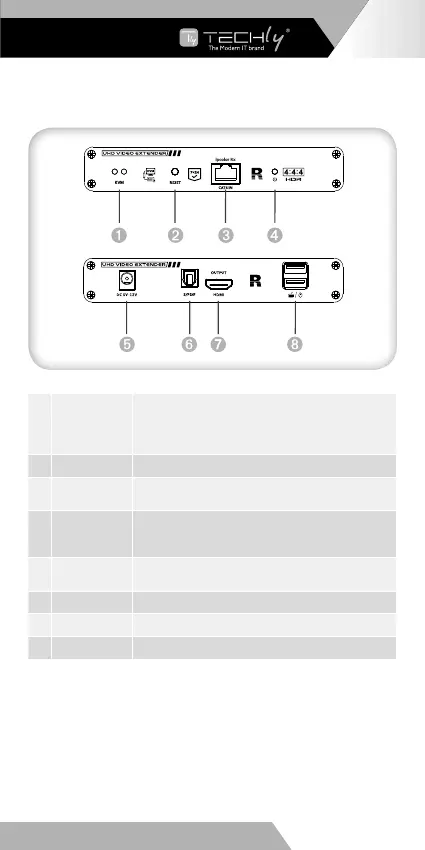
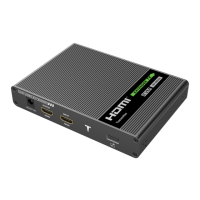
2. Receiver (RX)
EN - 5
WWW.TECHLY.COM
HDMI KVM EXTENDER
OVER NETWORK CABLE
1 USB light
a) The mouse and keyboard are connected,
the indicator light is on
b) There is signal connected, the indicator
light flashes
2 Reset button Press to restart the device
3
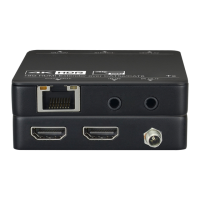
RJ45 signal
output
Connect with network cable
4
Power/Signal
indicator
When there is power and no HDMI signal, the
indicator will flash, when there is HDMI signal,
the indicator will light solid blue
5
DC5V-12V
input
Connect with DC5V-12V power adapter
6 S/PDIF out Output digital audio signal
7 HDMI output Connect with HDMI display device
8 USB-A port Connect with keyboard and mouse








 To Next Page