EN
9
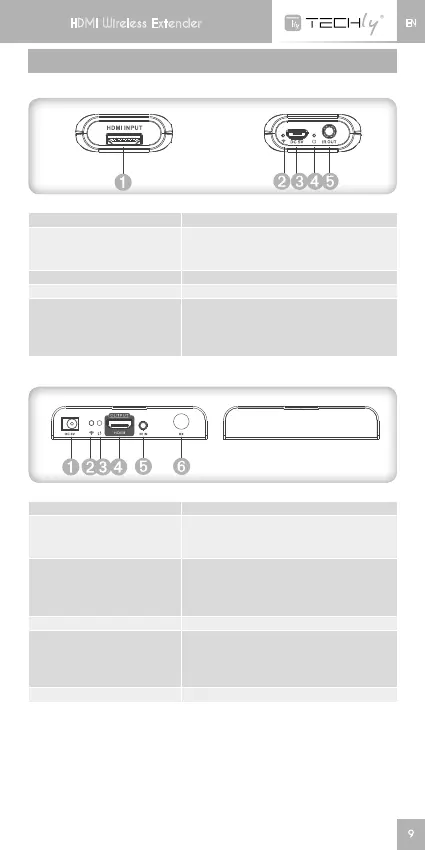
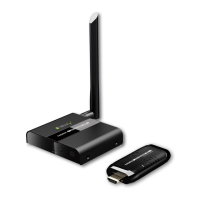
PANEL DESCRIPTION
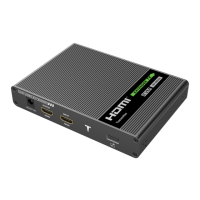
HDMI EXTENDER TX (Sender)
(1)HDMIinput ConnectwithHDMIsourcedevice
(2)Connectionsindicator
LEDindicatorkeeponwhenHDMI
signal input, blink when data is
transmitted
(3)Powerinput ConnectwithUSBpowercable
(4)Powerindicator LEDindicatorturnonwhenpoweron
(5)IRblasterextension
cable interface
ConnectwithIRblasterextension
cable.PleaseputtheIRblasterclose
to source device to best transmit the
IRsignalfromreceiver
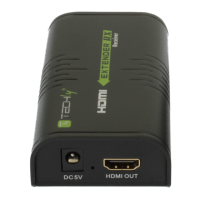
HDMI EXTENDER RX (Receiver)
(1)Powerinput ConnectwithDC5V/2Apoweradapter
(2)Wirelessconnections
indicator
It’s on when the transmitter and the
receiver connect well with each other,
otherwise it’s off
(3)Datatransmission
indicator
Ledblinksslowlywhenitisbuilding
connection. Led blinks fast when
itissuccessfullyconnectedand
transmitting data
(4)HDMIoutput ConnectwithHDMIdisplaydevice
(5)IRreceiverextension
cable interface
ConnectwithIRreceiverextension
cable. Please make sure the remote
control is within the required range of
IRreceiver
(6)Antenna Receivewirelesssignal
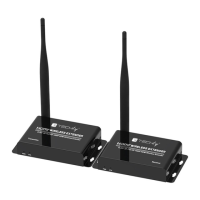
HDMI Wireless Extender
HDMI Wireless Extender






 To Next Page