EN
battery installation to the keyboard
1. Openthebatterycover
2. Putthebatteryincorrectposition
3. Closethebatterycover
Alowerbatteryindicatorisdesignedforthekeyboard.Itwillashwhenthebatteryis
runningout.Atthistimepleasechangethebattery.
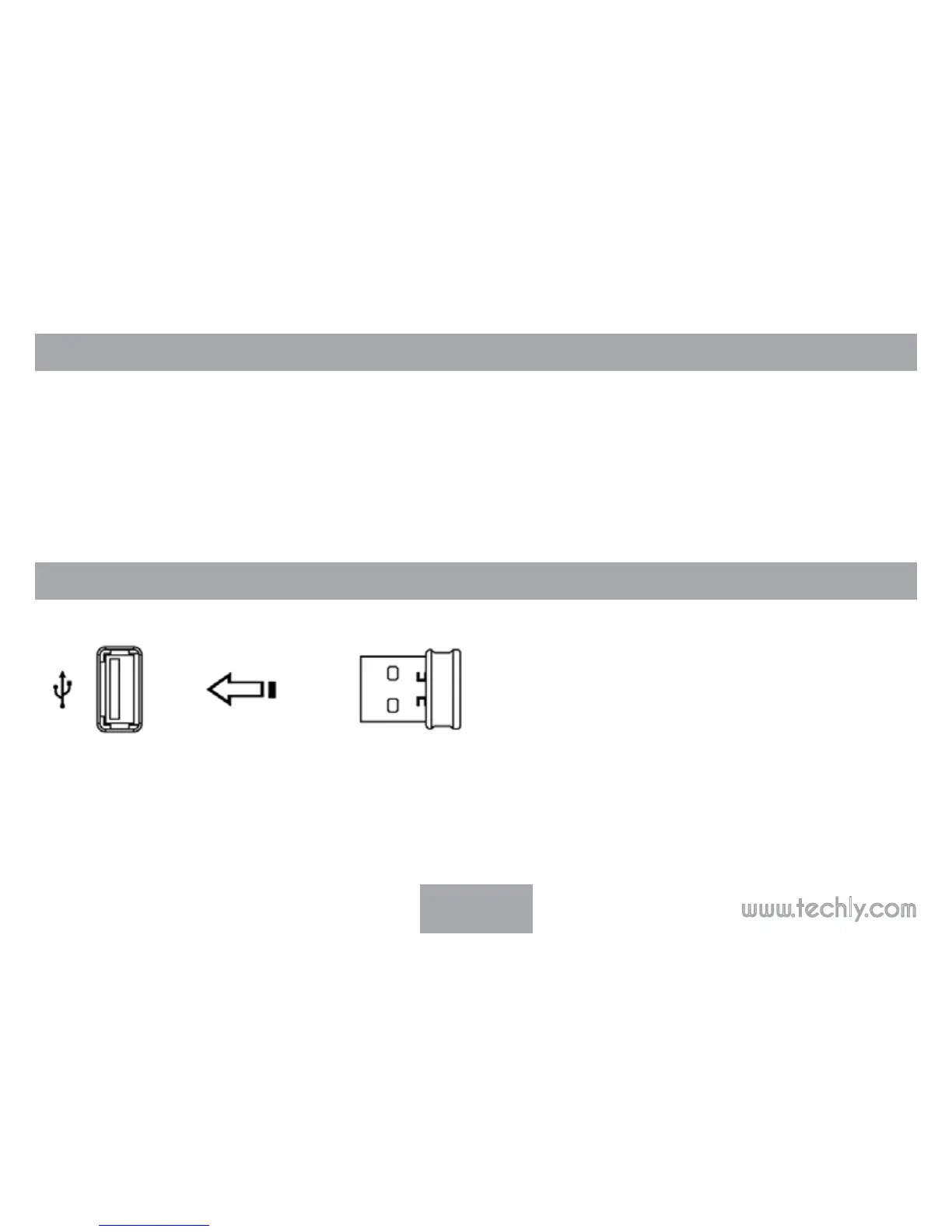
reCeiver ConneCtion
InserttheUSBreceivertothecomputerbyUSBport,yourwirelesskeyboardwillwork
normally



 To Next Page