INSTALLATION PROCEDURES
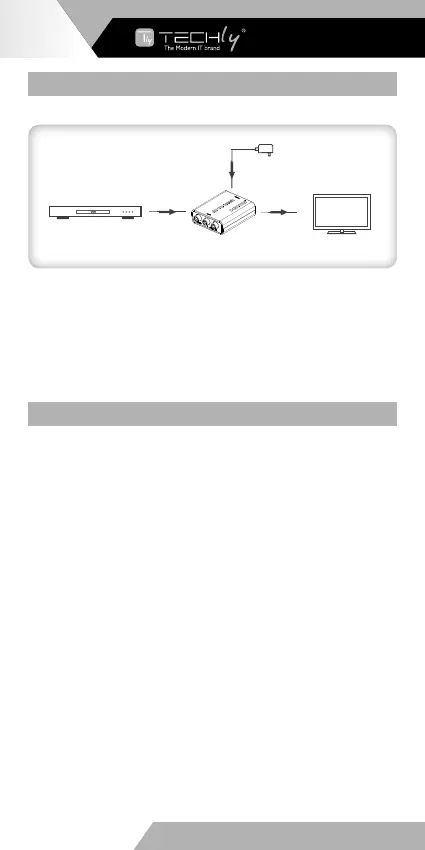
1. Connection
DVD
HD display
AV cable HDMI cable
Power
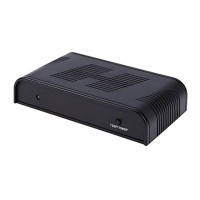
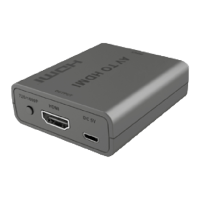
AV to HDMI converter
2. Connection instruction
1) ConnecttheDVDtotheconverterviaaRCAAVcable,usingthe
color coding on the connectors as a guide.
2)Connect the HD display to HDMI output of the converter via a
HDMIcable.
3)Plugthepowersupplyintothedevicetogetstarted.
FAQ
Q: Why does the screen have no output?
A: 1)Check and make sure the power supply and all cables
are connected well.
2)Check and make sure there is AV signal input and
you'vechosentherightHDMIsignalchannel.
Q: Why does the output image have the snow point or unclear?
A: ChangeanHDMIcableoruseashorterHDMIcablefortesting.
4
WWW.TECHLY.COM
AV TO HDMI
CONVERTER


 To Next Page