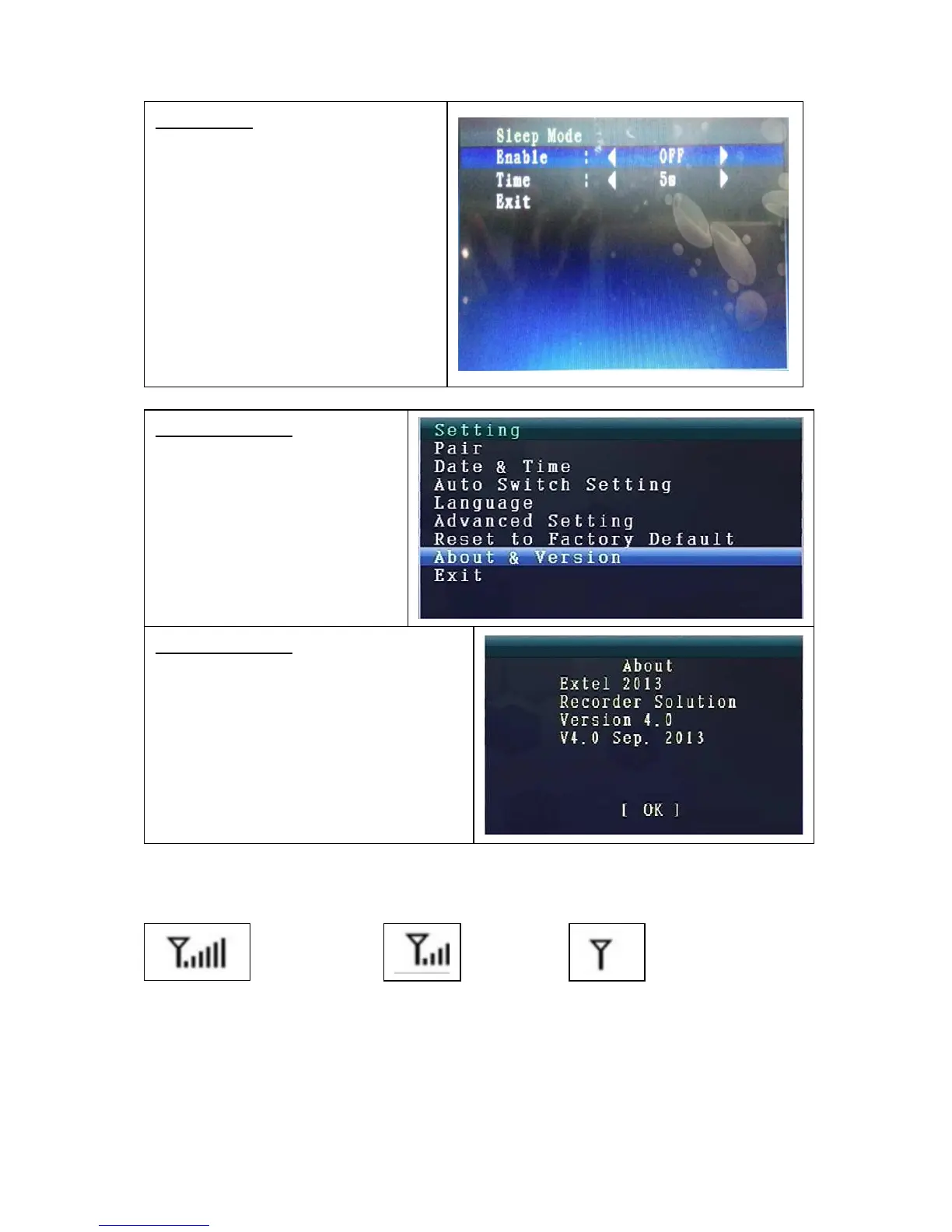
9. Signal Strength Indicators – Description
^ Perfect Low No signal
10. Problem:
No video Make sure, camera and monitor are in effective range.
About & Version
Press UP or Down navigation
key to select “About &
Version”.
Press OK key to enter it.
About & Version
Here you can see the Software
Information.
Press OK key to go back to Setting
Mode.
Select Exit with the UP/DOWN
navigation key to go back to the Main
Menu.
Sleep Mode
Press UP or Down navigation key to
select “Enable”.
With the LEFT or RIGHT navigation
key you can select ON or OFF.
If select ON, it will turn on auto
Sleep Node Mode. You can select:
5 sec, 15 sec, 30 sec,45 sec, 1 min.
Press OK key to confirm the
selection.



 To Next Page