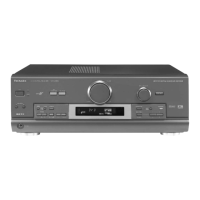
SA-EX310
Step 1
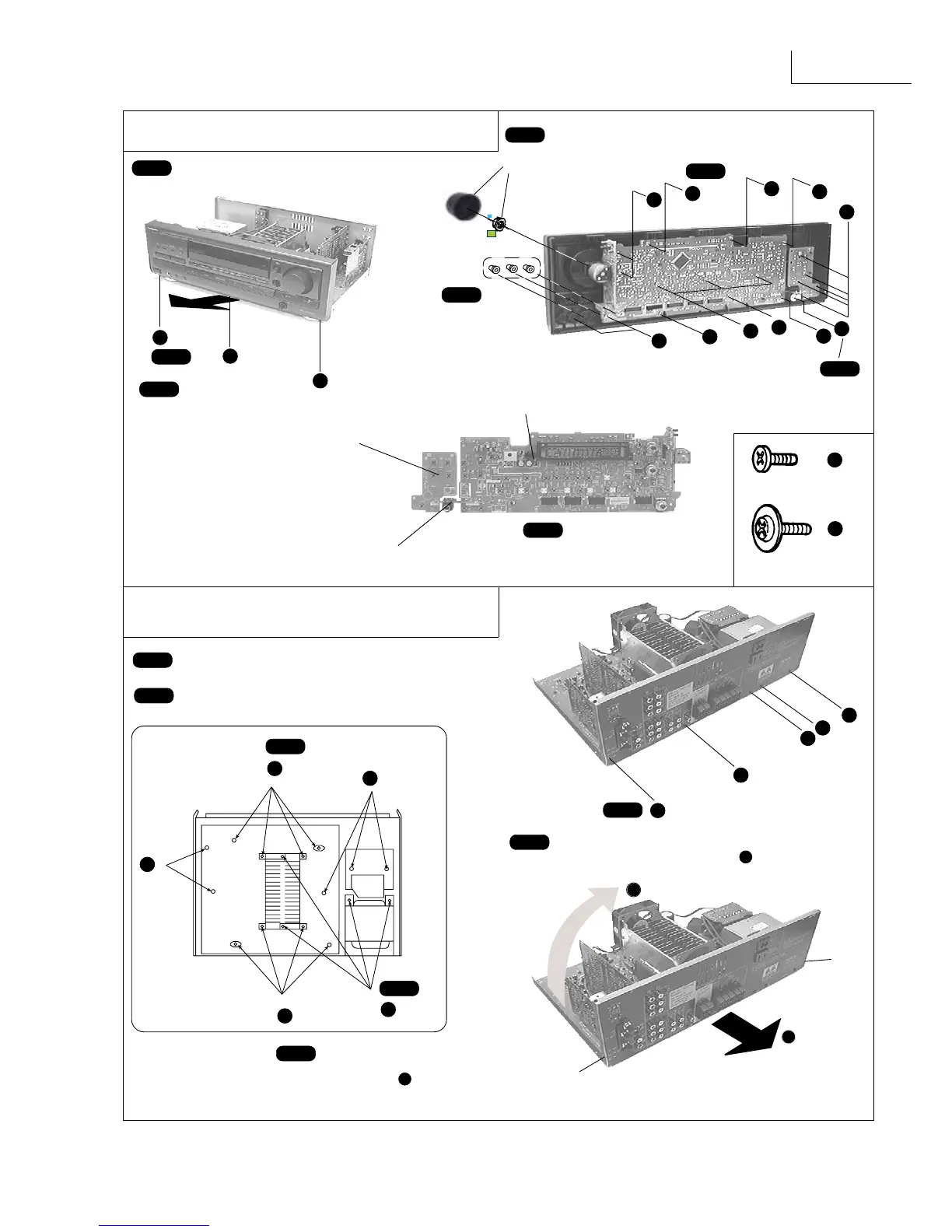
Remove the top cabinet.
c
c
c
c
c
c
c
c
c
c
d
Step 4
Remove the Volume Knob
and Nut.
Step 6
X
18
X 1
Step 7
Step 5
Pull out 3 knobs.
d
[XTBS26+10J]
c
b
b
b
X 3
Step 2
Step 3
Remove the front panel in
the direction of arrow.
Power Switch P.C.B.
Panel P.C.B.
Step 8
Pull out the Headphone
Jack P.C.B.
Headphone Jack P.C.B.
3. Checking of the MAIN P.C.B.
[RHD26016]
f
catch
catch
Step 1
Remove the top cabinet.
Step 2
Remove the front panel.
f
X
13
e
Step 3
b
b
b
b
Step 5
X 4
Step 6
Release 2 catches and pull the rear panel in
the direction of arrow 1 for about 10mm.
(Note : Main, Tuner and In/Out Terminal
P.C.B. are attach to the rear panel)
1
2
Step 7
Lift the rear panel in the direction of arrow
2 .
To Remove Front Panel, Panel P.C.B., Power Switch
P.C.B. and Headphone Jack P.C.B.
f
b
Step 4
X 4
f


 To Next Page