POWER
%
m
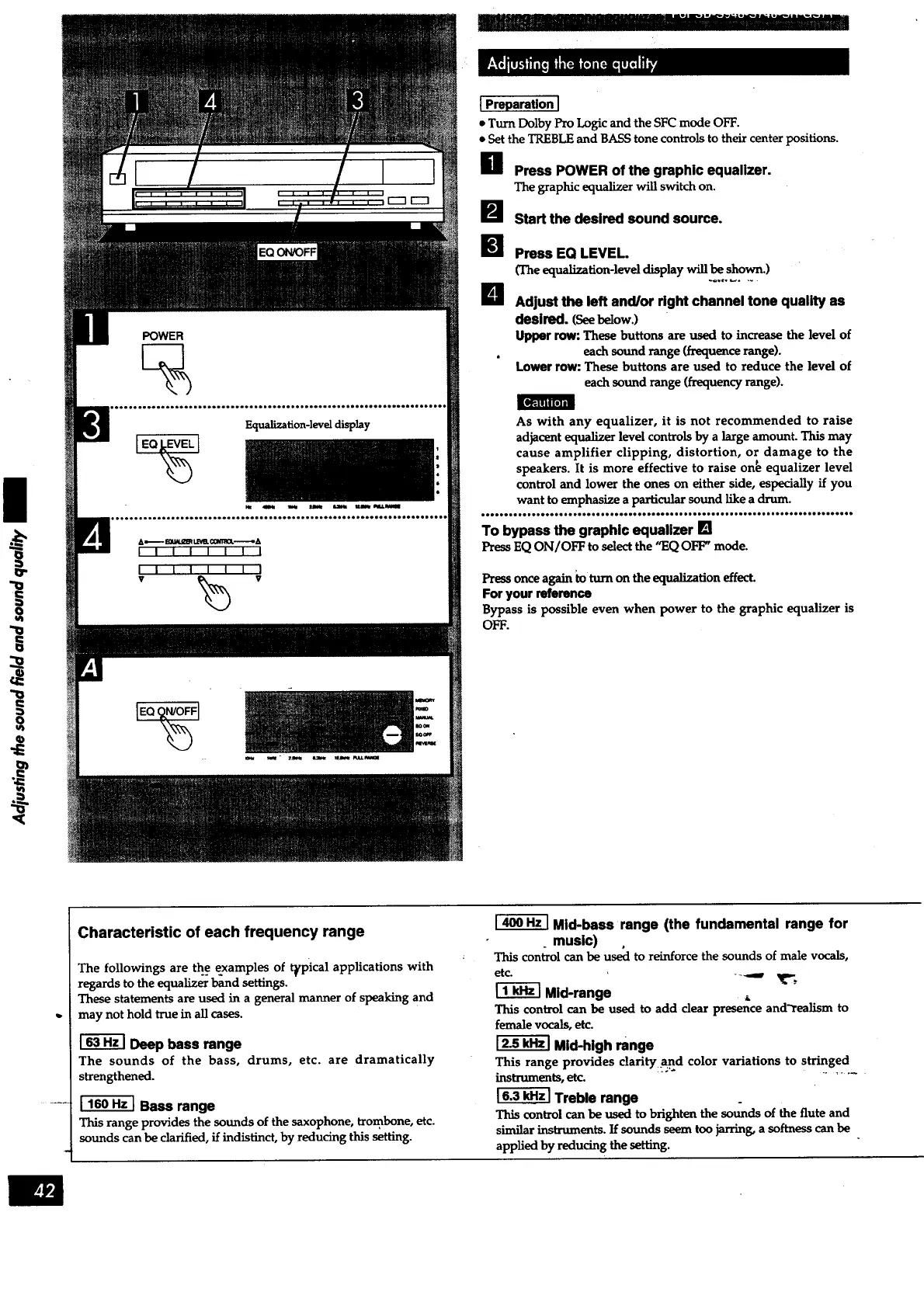
Equalization-level display
IEQO_N/OFFi
I Preparation I
. Turn DolbyPro Logicand theSFCmode OFF.
e Set the TREBLEand BASS tone controls to their center positions.
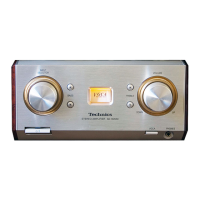
B Press POWER of the graphic equalizer.
The graphic equalizer will switch on.
I_J start the desired sound source.
I_ Press EQ LEVEL.
(The equalization-level display will be shown.)
-o.,o _ ....
B Adjust the left and/or right channel tone quality as
desired. (Seebelow.)
Upper row: These buttons are used to increase the level of
each sound range (frequence range).
Lower row: These buttons are used to reduce the level of
each sound range (frequency range).
As with any equalizer, it is not recommended to raise
adjacent equalizer level controls by a large amount. This may
cause amplifier clipping, distortion, or damage to the
speakers. It is more effective to raise on_ equalizer level
control and lower the ones on either side, especially if you
want to emphasize a particular sound like a drum.
.tlloee,**...e*e**.,.****eo*o*eeJoeeoooeoHH.ioollIH..loei.o., JooooeHlloJeegeo
To bypass the graphic equalizer []
Press EQ ON/OFF to select the "EQ OFF' mode.
Pressonce again to turn on the equalization effect.
For your reference
Bypass is possible even when power to the graphic equalizer is
OFF.
Characteristic of each frequency range
The followings are the examples of t_pical applications with
regards to the equalizer band settings.
These statements are used in a general manner of speaking and
may not hold true in all cases.
Deep bass range
The sounds of the bass, drums, etc. are dramatically
strengthened.
Bass range
This range provides the sounds of the saxophone, trombone, etc.
sounds can be clarified, if indistinct, by reducing this setting.
[
Mid-bass range (the fundamental range for
. music)
This controlcanbe usecito reinforce thesounds of male vocals,
etc. ---._
Mid-range
This control can be used to add clear presence and'realism to
female vocals, etc.
Mid-high range
This range provides clarity and color variations to stringed
instruments, etc. ".......
Treble range
.
This control can be used to brighten the sounds of the flute and
similar instruments. If sounds seem too jarring, a softness can be
applied by reducing the setting.



 To Next Page