81
DE
EN
FR
NL
In DAB+ mode:
[Running text] (continuous text with additional information sometimes
provided by broadcasters), [Titles], [Signal quality], [Channel type],
[Ensemble], [Frequency], [Signal error], [Bit rate and Codec] and [Time/
Date].
In FM mode:
[Radio text] (where broadcast), [Channel type] (PTY), [Name] and [Time/
Date].
7 Menu navigation
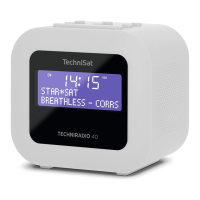
You can access all of the TECHNIRADIO 40 functions and seings via the menu. Menu
navigation is carried out using the Menu/Info (5), Next/Prev. (6, 7) and Snooze/
Select (10) buons. The menu is divided into submenus and, depending on the
selected source, contains dierent menu items or functions that can be enabled. To
open the menu, simply hold down the Menu/Info buon. To change to submenus,
first of all push the Next/Prev. buons to display a submenu, then push the Snooze/
Select buon to retrieve the submenu. An asterisk (*) highlights the current selection.


 To Next Page