EN4
Battery change:
It is recommended to replace the batteries in all units regularly to
ensure optimum accuracy of these units (for battery life see
Specifications below).
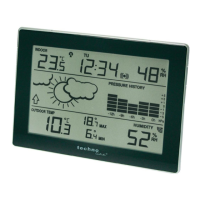
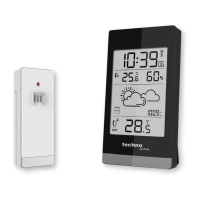
LCD screen and settings:
B1 – Time signal
reception icon
B2 – Time
B3 – Alarm icon
B4 – MIN/MAX
indoor values
B5 – Indoor
temperature
B6 – Weather icon
B7 – Weather
trend icon
B8 – Sensor signal
reception icon*
B9 – Outdoor
temperature
B10 – MIN/MAX
outdoor values
* When the outdoor signal is successfully received by the weather
station, this icon will be switched on. (If not successful, the icon will not
be shown in LCD) So user can easily see whether the last reception
was successful (icon on) or not (icon off).
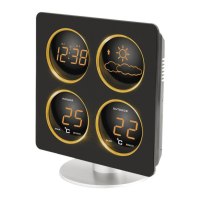
For a better display clarity, the LCD screen is split into 4 sections.
Section 1 – time and alarm
In normal mode display of radio controlled time
A reception tower symbol will be shown indicating that the DCF-77
time signal is scanned for (flashing) or received (steady).
Note:


 To Next Page
 Loading...