EN3
POWER UP THE WI-FI WEATHER STATION
Insert the 5V 1.2A AC/DC adaptor (included) to an AC wall outlet and then the DC jack to the back of your
clock.
Remark: make sure 5V~ adaptor is being connected. Using adaptors with higher voltage (e.g. 6V - 9V)
will damage your station. Only use the included adapter or adapters with the same technical information.
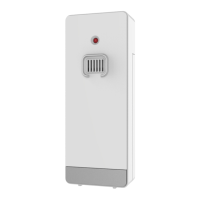
INSTALL THE WIRELESS OUTDOOR TRANSMITTER
After you install batteries to the wireless outdoor transmitter, your weather station will receive outdoor
temperature from it in few seconds. Then place your outdoor transmitter in a dry and shaded area outdoor.
The temperatures readings will get stable and become more accurate after the unit is powered up for
around 30 minutes.
Remark: Keep in mind that your outdoor transmitter has a 50-meter open air transmission with no
obstructions. Actual transmission range will vary depending on what is in the path of the signal. Each
obstruction (roof, walls, floors, ceilings, thick trees, etc.) will effectively cut signal range in half.
Smart Life App:
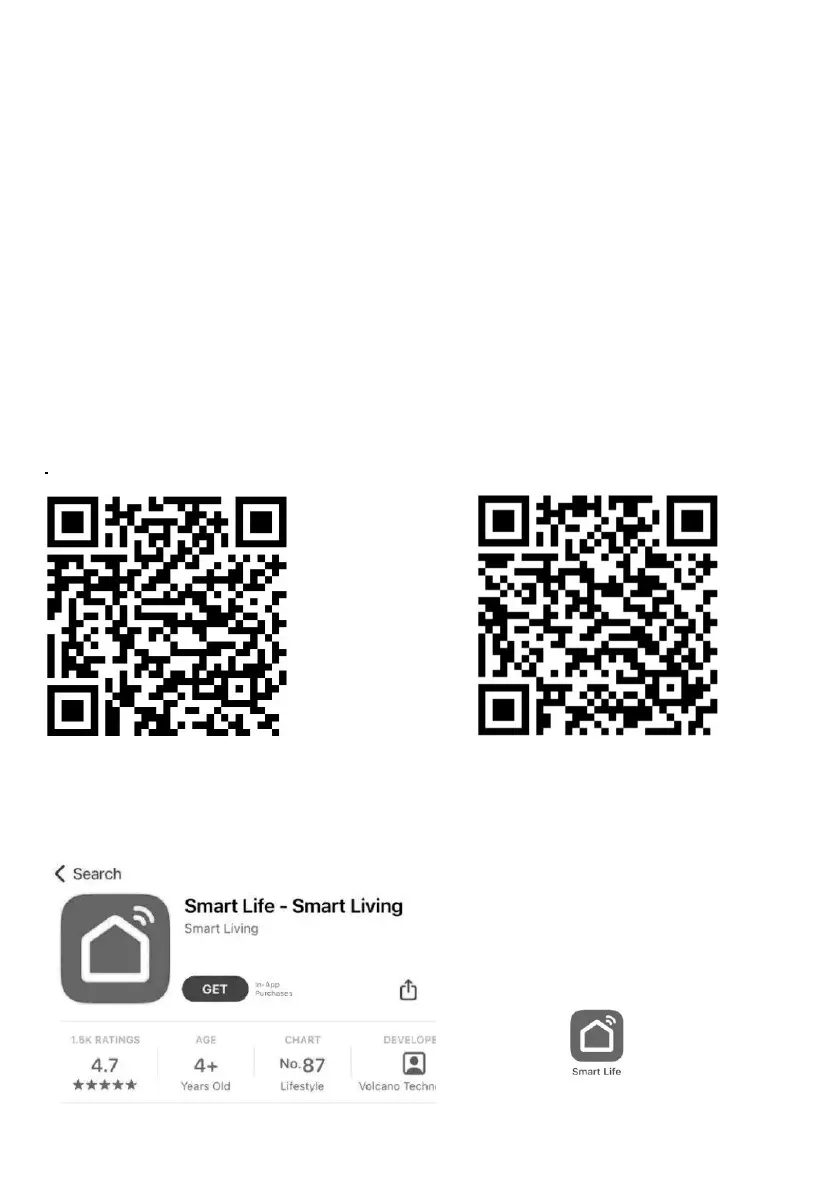
The “Smart Life” app can be found in the following app stores for Android and iOs:
Tuya
Android iOs
Alternatively, the “Tuya Smart” app can be used.
CONNECT MOBILE APP WITH THE WI-FI WEATHER STATION
Step 1 - Download the App
Go to APP Store or Play Store, search
Smart Life-Smart Living App.
1. Click to download and install the
App.
2. Click to open the App.










 To Next Page