EN15
Trouble shooting
CARE OF YOUR WEATHER STATION CLOCK
1. Do not expose the unit to extreme temperature, water or direct sunlight.
2. Avoid contact with any corrosive materials.
3. Do not subject the unit to excessive force, dust or humidity.
4. Do not open the inner back case or tamper with any components of this unit.
5. Do not plug in any other AC/DC adaptor with incorrect specifications or voltage.
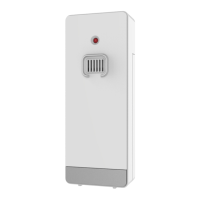
6. Always place your outdoor transmitter in a dry and shaded area away from direct sunlight or rain.
The outdoor transmitter is not waterproof and is not intended for permanent submersion in liquids.
The outdoor transmitter could be put outside the house under roof (with sufficient space from roof
and rain is not easy to get into outdoor transmitter).
Declaration of conformity
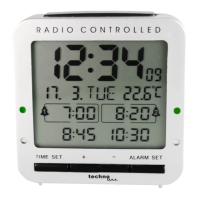
Hereby, Technotrade declares that this product WD 3050 is in compliance with the essential
requirements and other relevant provisions of Directive 2014/53/EU and ROHS 2011/65/EC. The original
EU declaration of conformity may be found at: www.technoline.de/doc/4029665630502
1. Make sure the AC/DC adaptor is plugged into a working AC
outlet properly.
2. Make sure the DC jack is plugged into the weather station
properly.
No Outdoor Temperature
and Humidity is displayed
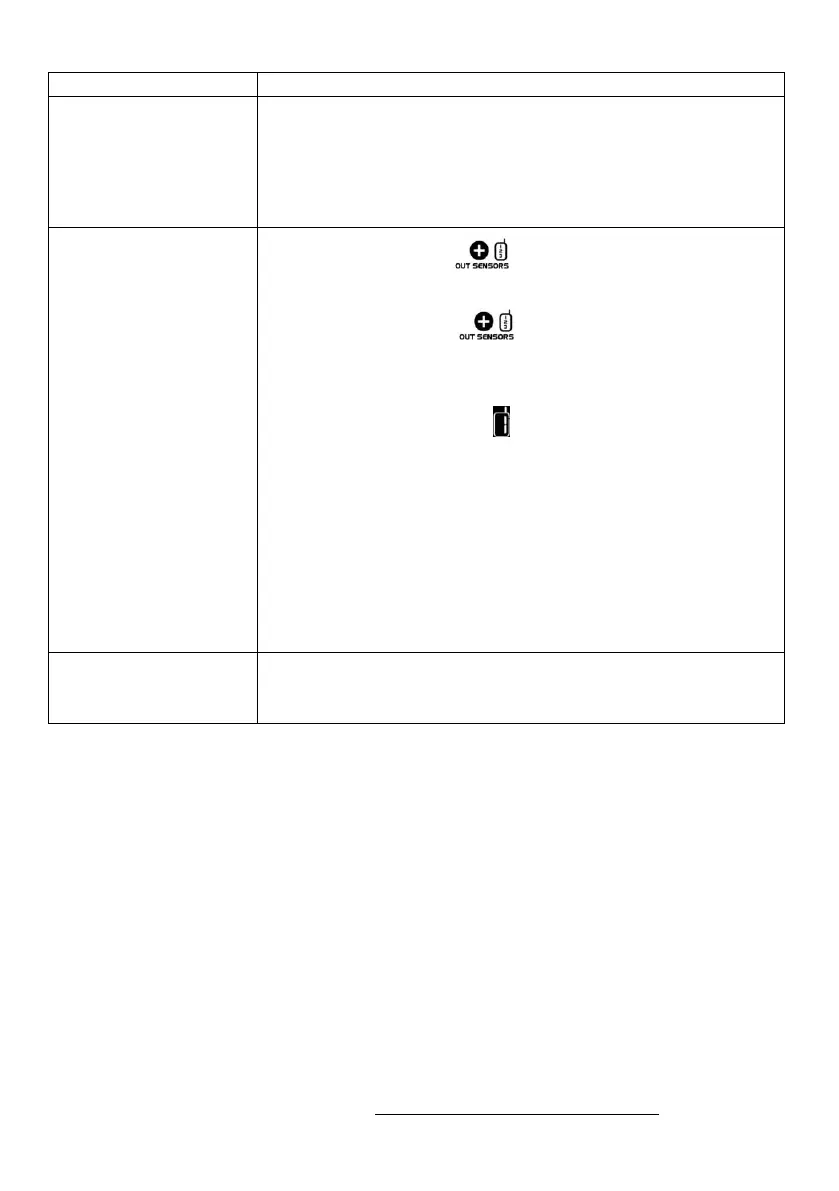
1. Press and hold the button on the weather station to
search for outdoor temperature signal again.
2. Press and hold the button, then take out the batteries
and reinstall with new ones to your outdoor transmitter.
3. Make sure the correct channel is selected on your weather
station (default setting is – Channel 1)
4. Observe if the Low Battery icon appears on the right of the
outdoor temperature. If yes, replace batteries in outdoor
transmitter with new alkaline batteries.
5. No other interfering sources are being used (such as computer
monitors, TV sets, headphones, or speakers) in the path of
signal from the outdoor sensor. The signal travels in a straight
line, an electrical source near that “line” may cause interference.
Temperature, humidity, or
air pressure is incorrect
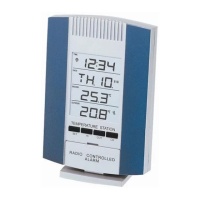
1. Make sure your main unit and the outdoor transmitter is away
from sources of heat / cold / direct sunlight / rain.










 To Next Page