ENGLISH
19
2. Hardware Installation:
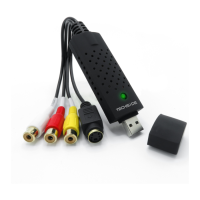
Note: if you have antivirus software enabled, disable it during software installation. Before connecting
“TechSide EASY CAPTURE” to the computer, insert the “CD-ROM” in the CD drive. Once done the setup
will start as shown in the image.
Select the “Install Driver” option.
Click on the “Yes” button only when the device has been inserted into the USB port.


 To Next Page