ENGLISH
24
6. Capture:
To record the video, exit the capture panel and click the red “ ” button. When you want to stop record-
ing, click on the same button again.
7. Installation and Help of Honestech VHS to DVD 2:
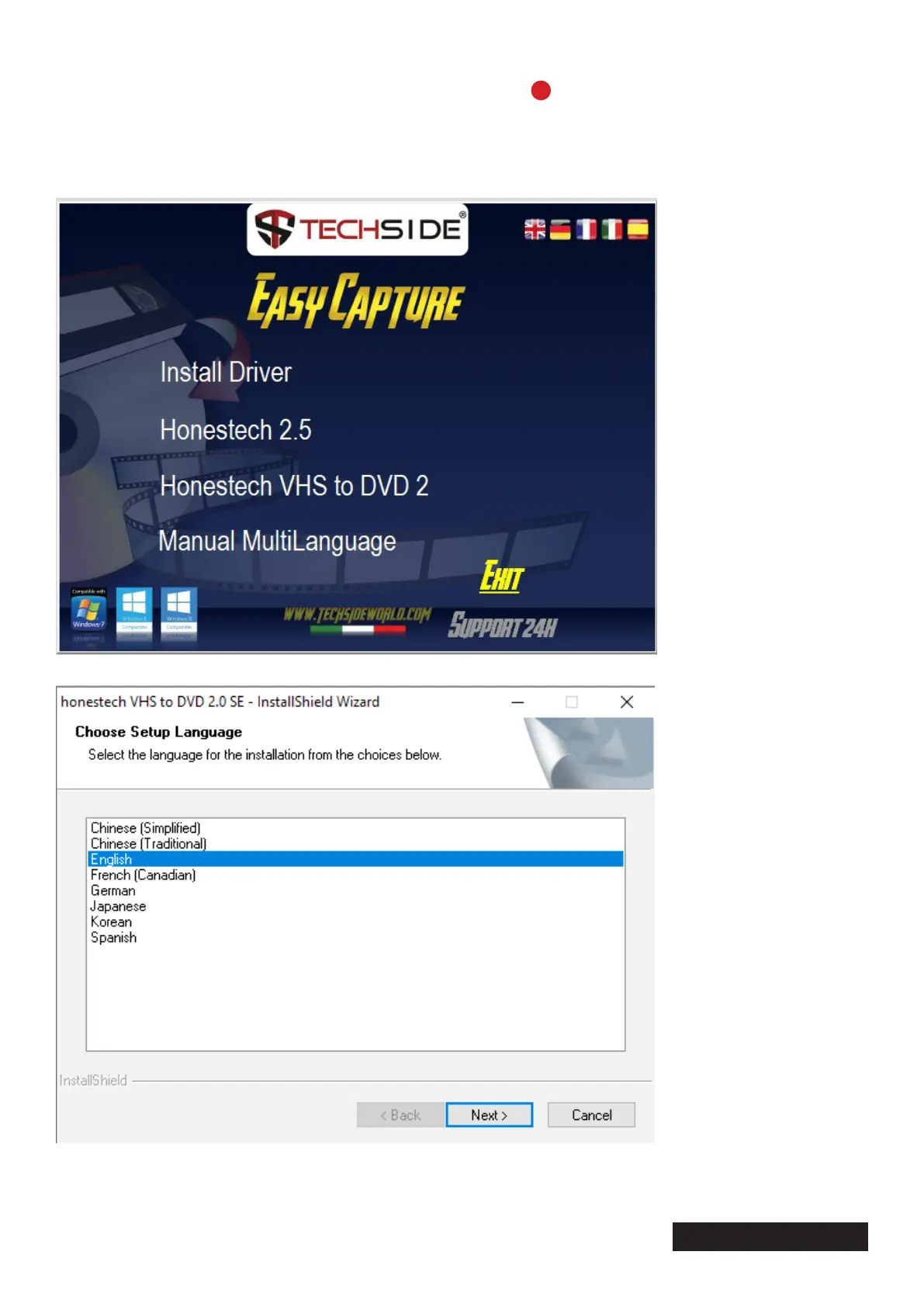
Return to the main image, select “Honestech VHS to DVD 2”
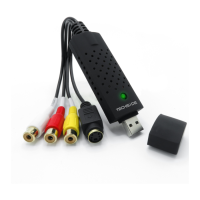
Select the desired language and press “Next” twice


 To Next Page