ENGLISH
25
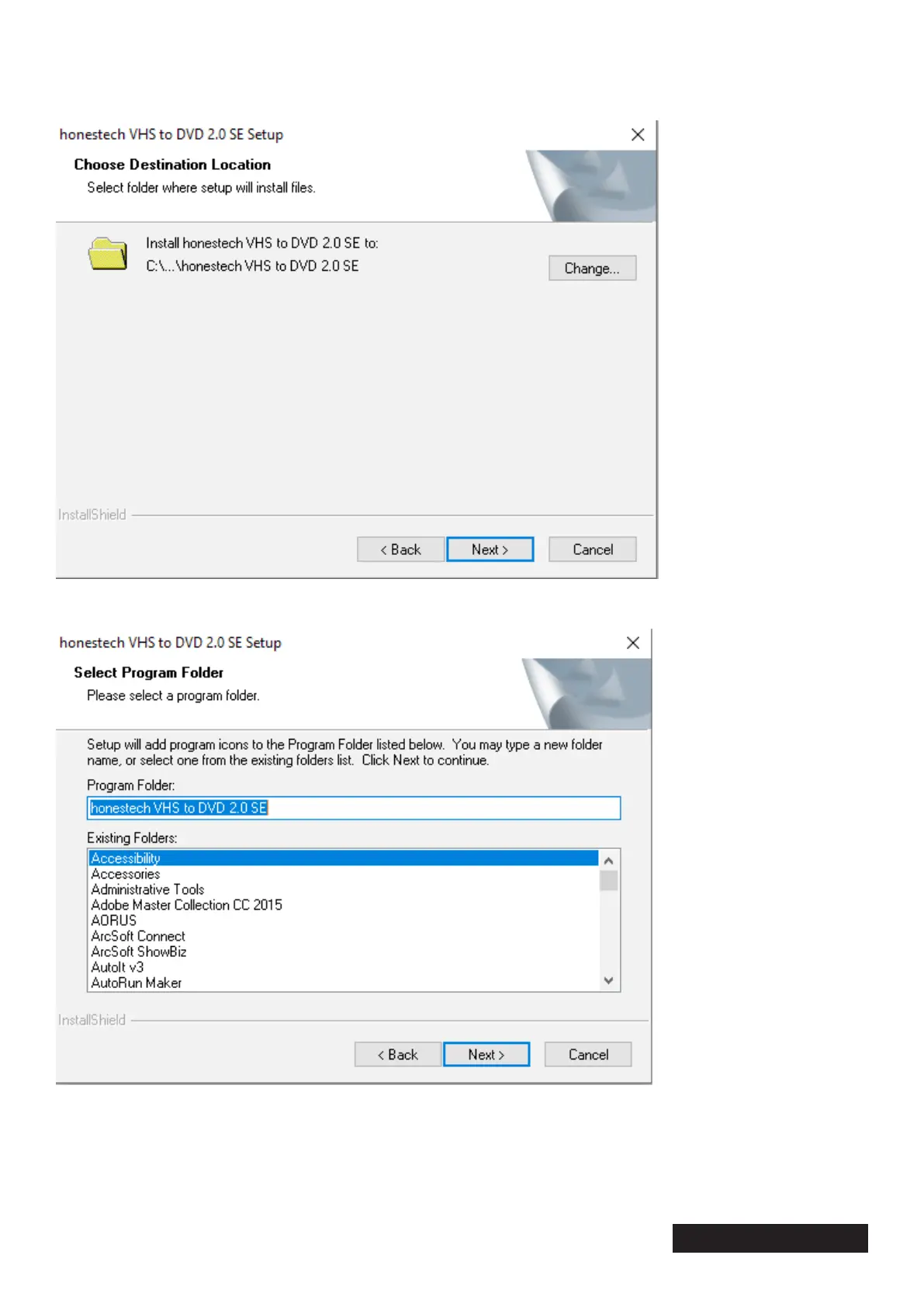
Before installing the software, you must accept the terms of the license agreement and select the “Next”
button. Now it will give you the option to choose the location of the destination folder. Then click “Next”
to proceed with the installation.
In the next window the installation destination will be requested. Click on the “Next” button and immedi-
ately click on “Install”. At this point, the installation will start. Click “Finish” to complete the installation.


 To Next Page