9
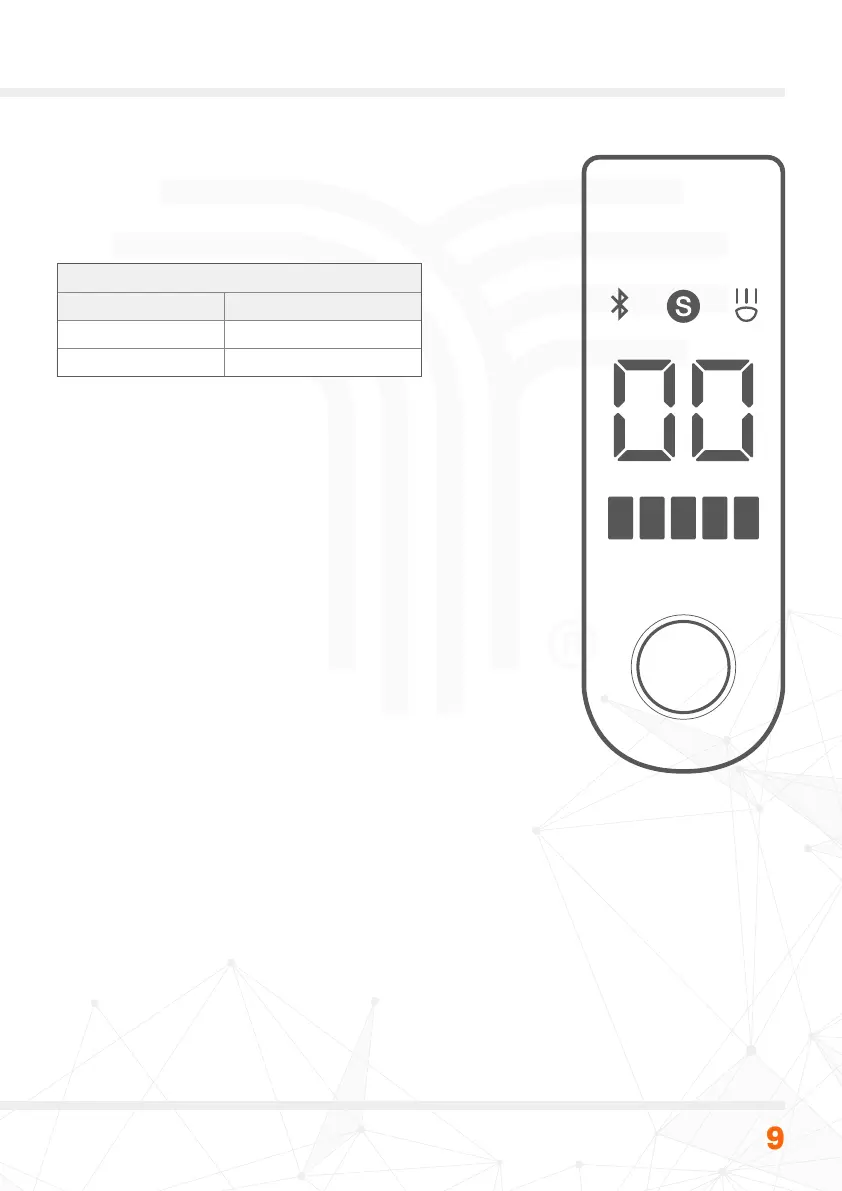
Display Panel Function
Speed display
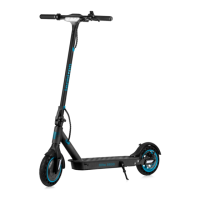
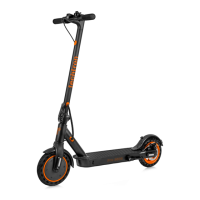
The techtron® Pro 3500 foldable eScooter is capable
of a maximum speed of 25km/h, with two pre-congured
factory default speed modes.
Factory default speed modes
Speed mode Maximum speed
1 (green LED) 20km/h
2 (red LED) 25km/h
These presets can be changed via the techtron® smart
app (see page 12
). The app allows the user to set a pre-
determined speed for each speed mode. In addition,
the app allows the user to toggle the speed displayed
between mph and km/h.
Display panel button
To turn the eScooter ON press the button briey on the
main display panel. A short press of the same button will
turn the main light ON/OFF. A quick double press of the
button will allow the user to toggle between speed mode
1 (green LED) and speed mode 2 (red LED). To turn the
eScooter OFF, hold down the button for two seconds.
Cruise control
To activate cruise control press and hold the accelerator at
the same speed for ve seconds, the device will beep when
the mode is activated. Cruise control will deactivate when
applying the brake.
Power saving
When not in use the techtron® eScooter will power OFF
automatically after 15 minutes.


 To Next Page