Techwell,Inc. TW8816 Evaluation Board User’s Manual
g. Other features of TW_Terminal
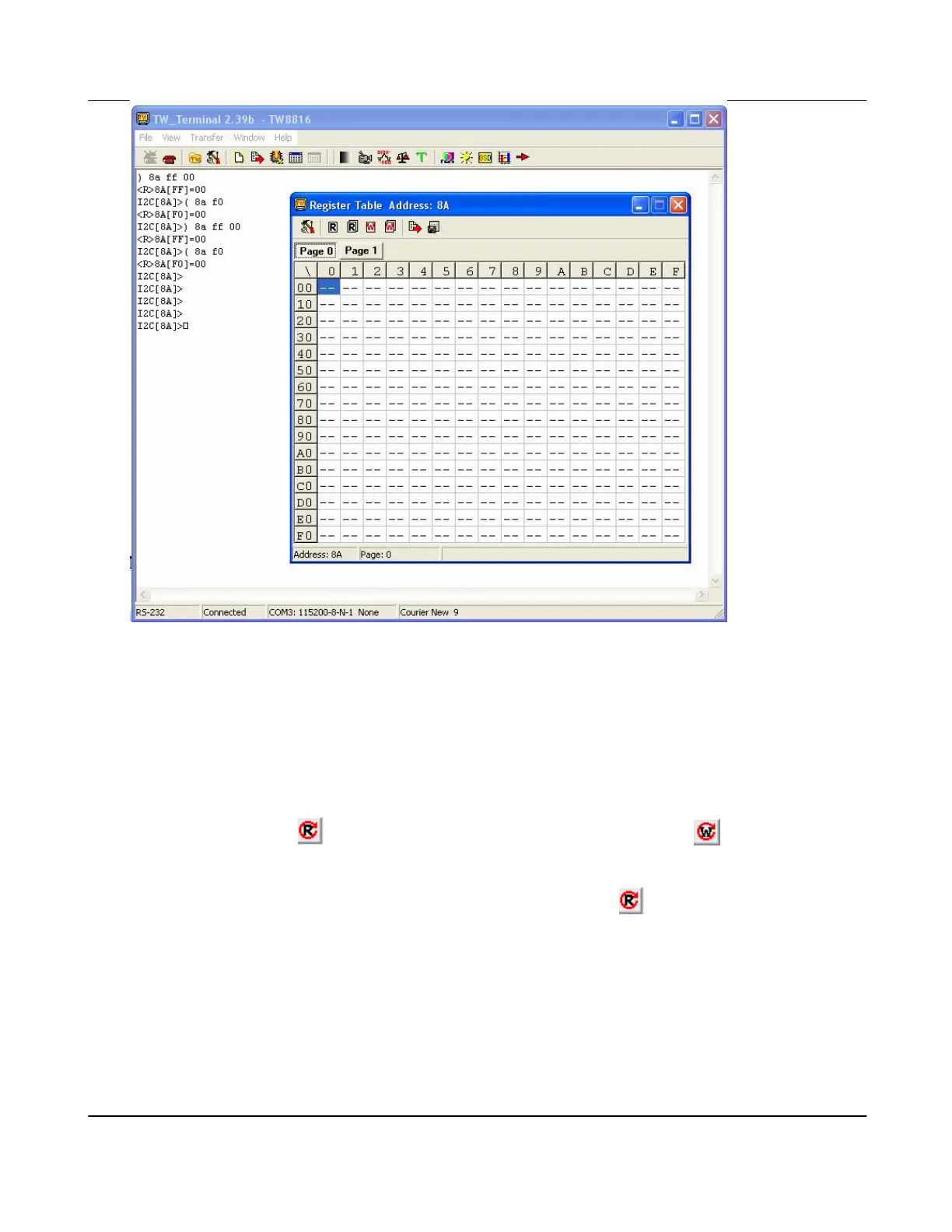
There are also other features that are made simple by Techwell’s sample application. You
may use the GUI to apply settings that you would normally have to manually apply by writing
directly to the registers. These GUIs are for Gamma, Decoder, ADC, TCON, SCALER,
CCFL, IMAGE ADJUSTMENT, OSD, SPI, SCALER, etc.
I. These Button
provides read-all-registers function and button provides write-all-
registers function, and both of them are displayed at the top of the window for each
feature.
II. When you open any of these windows, you may click on
to see the current settings.
III. When changing any of the setting, you will also be able to see the registers and data that
are being set in the main terminal.
IV. As an option, a customized “control” page may also be added. This customized
“control” page may be created using the TW_VEditor application. Please refer to
TW_Terminal2 User’s Manual for more detailed information on how to create control
pages that fits your application needs.
Example
Version 1.00 9/25/2007



 To Next Page