03
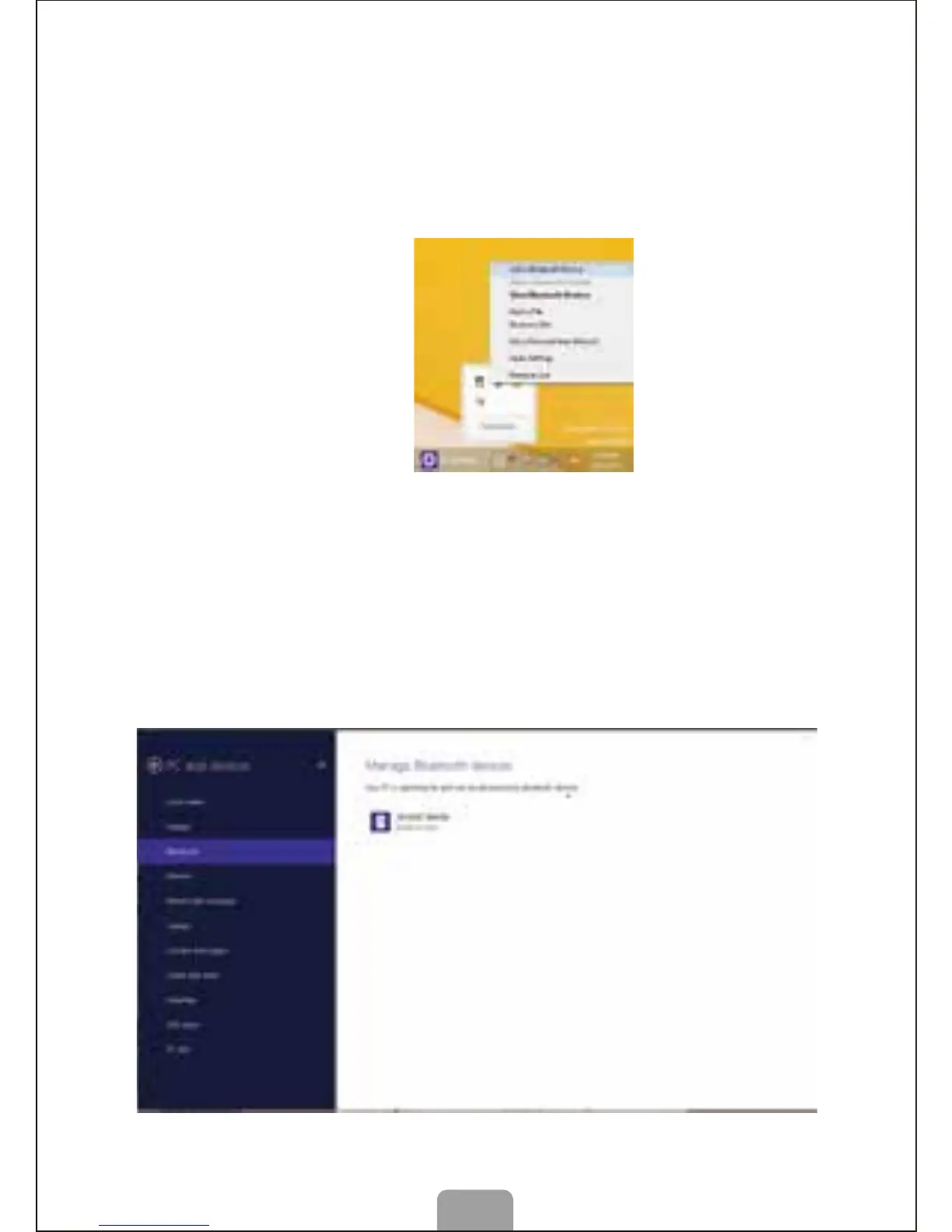
A. Matching steps for Win8.1 System comes with
Bluetooth Driver
1. Make sure the Bluetooth Function has been activated, click
the “Bluetooth” icon on the bottom right corner or on the “Control
panel”, or open Bluetooth management interface. Click “Add”, then
click “Next”,
2. Press the “Connect” button on the bottom of mouse for 2-3 seconds.
The mouse should be found by program, and select the Bluetooth
Mouse and click “pair”.



 To Next Page