05
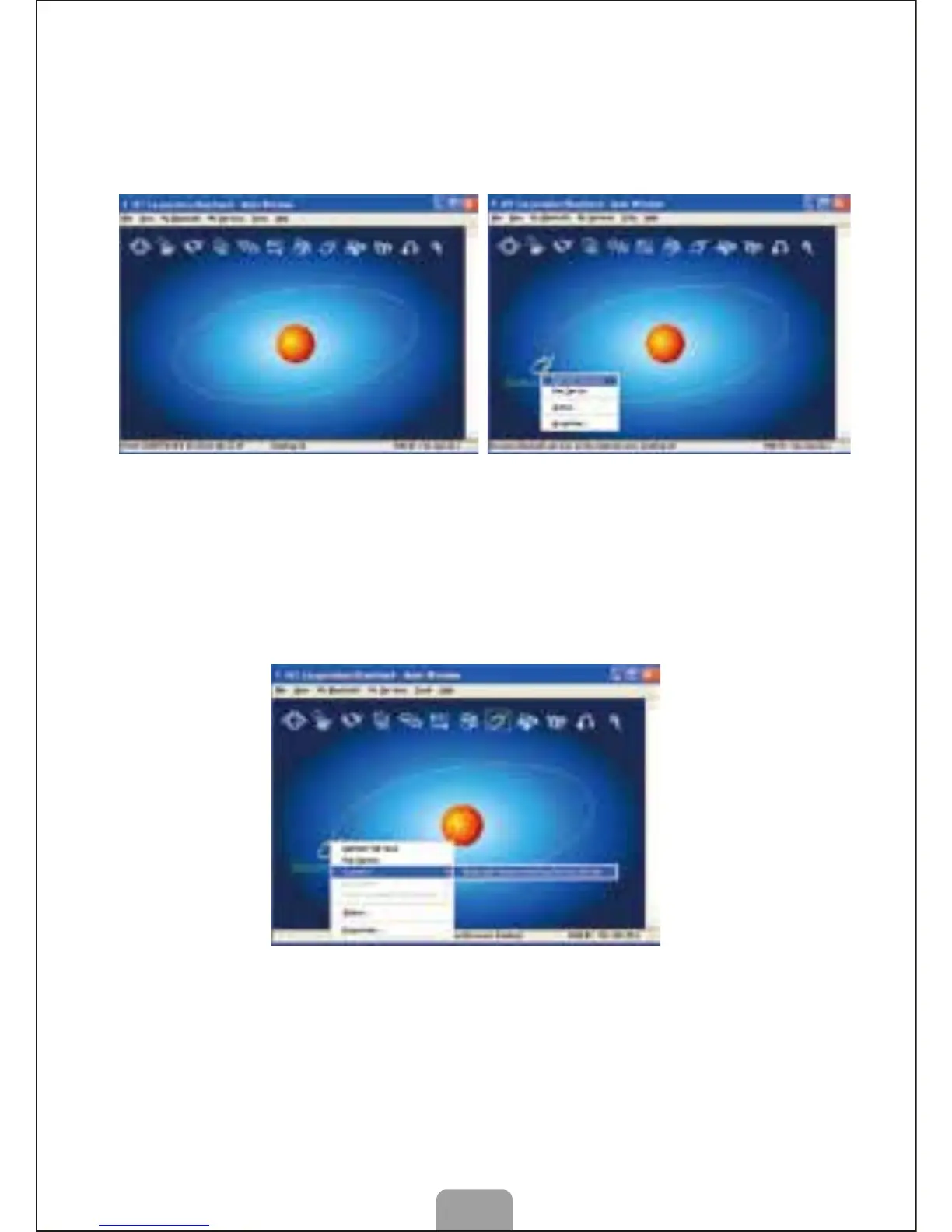
B. Matching Steps of mouse on IVT Bluetooth
1. Make sure the Bluetooth had been activated, double click the
Bluetooth icon on desktop to open IVT management interface,
choose “Searching Bluetooth Setting” on “My Bluetooth”. Click the
ball and start to search for the mouse.
2. Click the mouse device that had been detected, and then click the
right button, and choose “Refresh Service”.
3. Choose the Bluetooth Setting again, click the right button and
choose “Bluetooth Input Setting Service” in “Connection”. System
will complete the installment of new Bluetooth HID equipment, so
the Bluetooth mouse can be used now.



 To Next Page