IMPORTANT SAFETY INSTRUCTIONS-CAREFULLY
FOLLOW THESE INSTRUCTIONS.
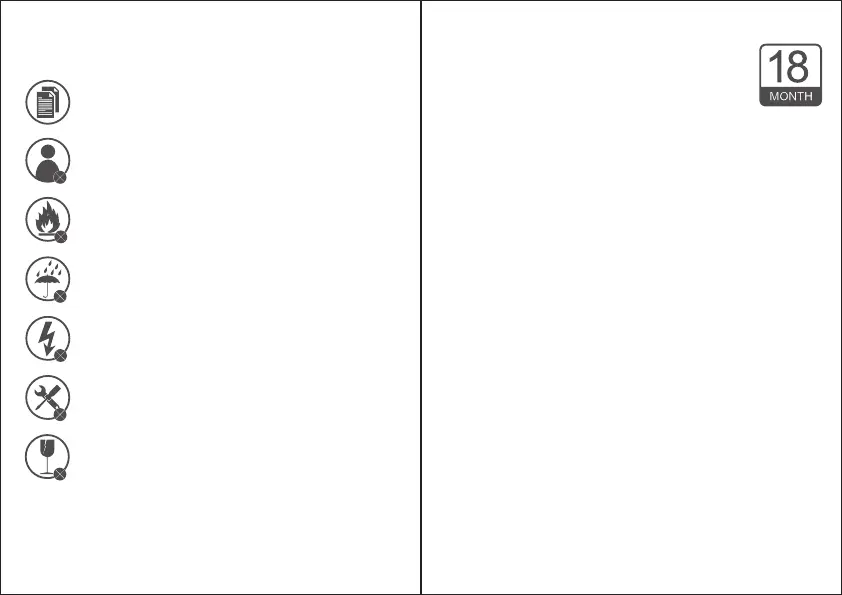
1. SAVE THESE INSTRUCTIONS - This sheet contains
important safety and operating instructions.
2. Before using the product, read all instructions and
caution markings on the product, accessories and
device using our product.
3. This appliance is not intended for use by persons
(including children) with reduced physical, sensory
or mental capabilities, or lack of experience and
knowledge, unless they have been given
supervision or instruction concerning use of the
appliance by a person responsible for their safety.
4. Children should be supervised to ensure that they
do not play with the appliance.
5. Keep the product away from fire or explosion may
occur.
6. Do not place product in or near inflammable,
explosive or hazardous object.
7. Do not place in or near water, rain, excess moisture
or extreme heat.
8. Do not operate product with damaged cord or
plug.
9. Do not operate product if it has been damaged in
any way.
10. Do not disassemble the product. Disassembly
may result in a risk of safety hazards.
11. Do not throw or shake the product.
Limited 18-Month warranty
What this warranty covers.
Shenzhen Unichain Technology Co., LTD. (Manufac-
turer: “Unichain”) warrants to the original purchaser
of this TeckNet product that the product shall be free of defects
in design, assembly, material, or workmanship.
What the period of coverage is.
Unichain warrants the TeckNet product for 18 Months.
What will we do to correct problems?
Unichain will repair or replace, at its option, any defective
product free of charge (except for shipping charges for the
product).
What is not covered by this warranty?
All above warranties are null and void if the TeckNet product is
not provided to Unichain for inspection upon Unichain’s
request at the sole expense of the purchaser, or if Unichain
determines that the TeckNet product has been improperly
installed, altered in any way, or tampered with. The TeckNet
Product Warranty does not protect against acts of God such as
flood, earthquake, lightning, war, vandalism, theft, normal-use
wear and tear, erosion, depletion, obsolescence, abuse, damage
due to low voltage disturbances (e.d. brownouts or sags),
non-authorized program, or system equipment modification or
alteration.
How to claim the warranty
Please contact retailers or visit TeckNet website
www.tecknet.co.uk for more information.
Disclaimer
Every effort has been made to ensure that the information and
procedures in this guide are accurate and complete, no liability
can be accepted for any errors or omissions and we reserve the
right to make any changes without further notice to any
products mentioned herein.
The mouse has a built-in 550mAh polymer rechargeable lithium
battery, which requires no replacement. It takes about 2.5 hours
to reach a full charge from zero power. In the case of using for 2
hours a day, and the rest of the time is in standby/sleep mode, it
can be used for about 90 days after a full charge. When the
mouse runs out of power, the indicator light on the top keeps
flashing. Charge the mouse through the charging port inside
the mouse.
Follow the charging steps below:
1. Open the cover of the mouse, take out the USB-A receiver and
you can see the USB-C charging port.
2. Plug a charger with a USB-A port into a power source (charger
not supplied).
3. Connect the mouse to the charger or a laptop with a USB-A
port with the supplied USB-A to USB-C charging cable. When
connected to power, the status indicator on the top of the
mouse lights red, indicating that the mouse is charging, and
the red light is off when charging is complete.
4. After charging is complete, put away the charging cable for
further use, and close the mouse cover.
Tip:
If the mouse will not be used for a long time, slide the 3-mode
switch to the middle to turn off the mouse for saving power
and increasing battery life.
EN-10 EN -11



 To Next Page
 Loading...









