EasyManua.ls Logo

TECLABEL DT039-50 - User Manual

Default Icon
42 pages
Print Icon
To Next Page IconTo Next Page
Loading...
USER’S
MANUAL
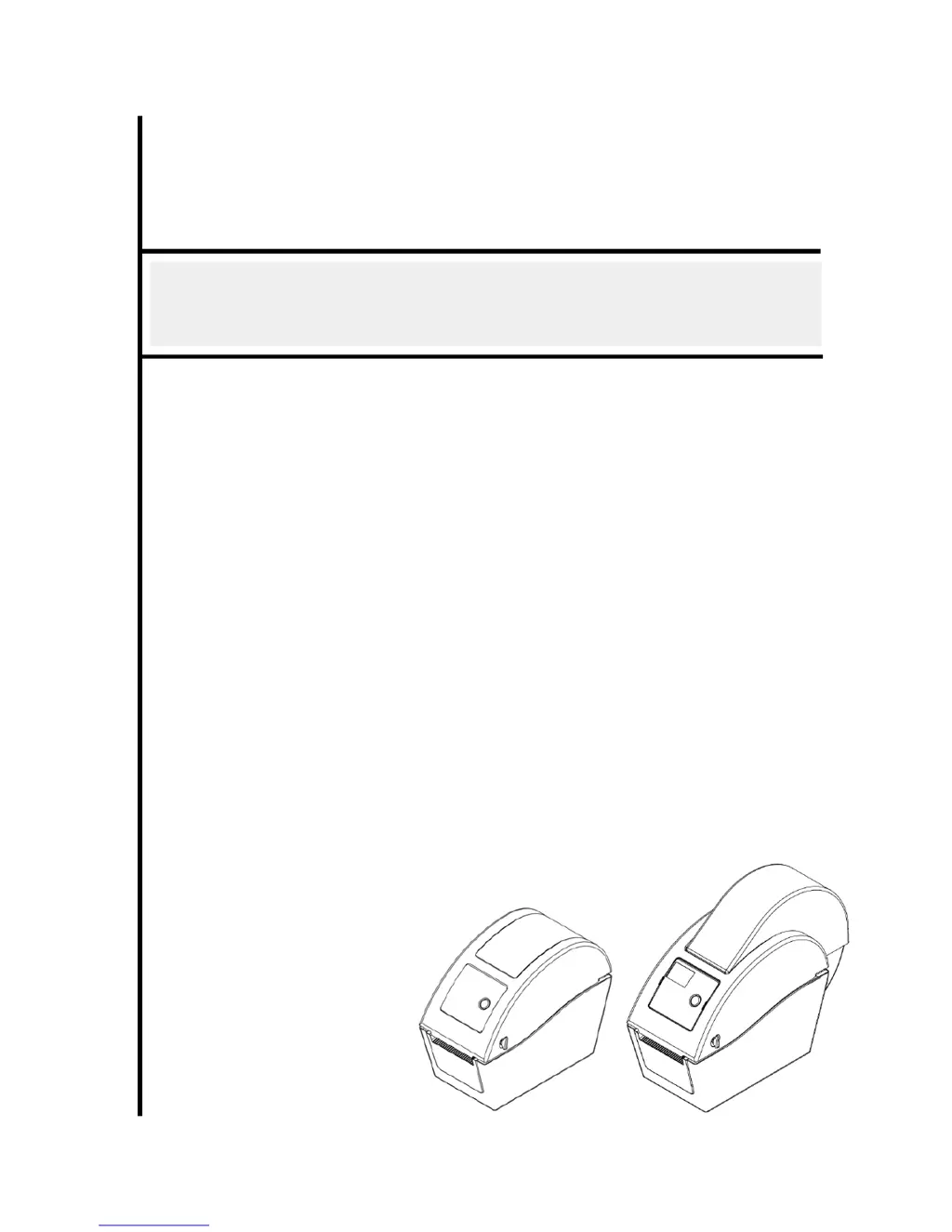
DT2205 / DT039-50
DIRECT THERMAL BAR CODE PRINTER

Questions and Answers

Summary

Introduction

Product Introduction

Introduces the bar code printer, its features, and performance.

Compliances

Lists the regulatory compliances for the printer (CE, FCC, C-Tick, TÜV/Safety).

Operations Overview

Unpacking and Inspection

Details the process of unpacking the printer and inspecting its contents.

Printer Overview

Front View

Illustrates and labels the front view of the DT2205 and DT039-50 printer models.

Interior View

Provides a diagram and labels of the interior components of the printer.

Rear View

Shows and labels the rear view of the DT2205 and DT039-50 printer models, including ports.

Setup

Setting Up the Printer

Instructions for placing and connecting the printer for initial setup.

Loading the Media (Roll Feed)

Step-by-step guide for loading the media roll into the printer.

Loading External Media (DT2205 Model)

Instructions for loading external media specifically for the DT2205 model.

Loading Media in Peel-off Mode

Details the procedure for loading media in peel-off mode, including paper path.

Loading Media in Cutter Mode

Instructions for loading media in cutter mode, including paper path and calibration.

Diagnostic Tool Usage

Guides users on how to launch, understand, and use the printer diagnostic software.

Setting Ethernet Interface

Instructions for configuring the printer's Ethernet interface using the diagnostic utility.

Install MicroSD Memory Card

Provides instructions on how to install a MicroSD memory card into the printer.

Mount the Printer on the Wall

Instructions and dimensions for mounting the printer on a wall.

Using PC USB Keyboard with USB Host Interface

Explains how to connect and use a PC USB keyboard with the printer's USB host interface.

LED and Button Functions

LED Indicator

Describes the meaning of different LED colors and patterns displayed by the printer.

Regular Button Function

Explains the basic functions of the printer's physical button.

Power on Utilities

Gap;Black Mark Sensor Calibration

Step-by-step guide to calibrate the gap/black mark sensor sensitivity.

Calibration, Self-test, and Dump Mode

Explains how to perform calibration, self-test, and enter dump mode.

Printer Initialization

Procedures to clear DRAM and restore printer settings to factory defaults.

Sensor Configuration and Calibration

Steps to configure and calibrate black mark or gap sensors as media sensors.

Skip AUTO.BAS Program

How to skip an auto-execution program (AUTO.BAS) using power-on utilities.

Troubleshooting

LED Status

Lists common problems based on LED status and provides recovery procedures.

Print Problem

Details various printing problems, their causes, and recovery procedures.

LCD Display Messages

Lists LCD display messages, their possible causes, and solutions.

Maintenance

Revise History

TECLABEL DT039-50 Specifications

General IconGeneral
BrandTECLABEL
ModelDT039-50
CategoryPrinter
LanguageEnglish

Related product manuals