EasyManua.ls Logo

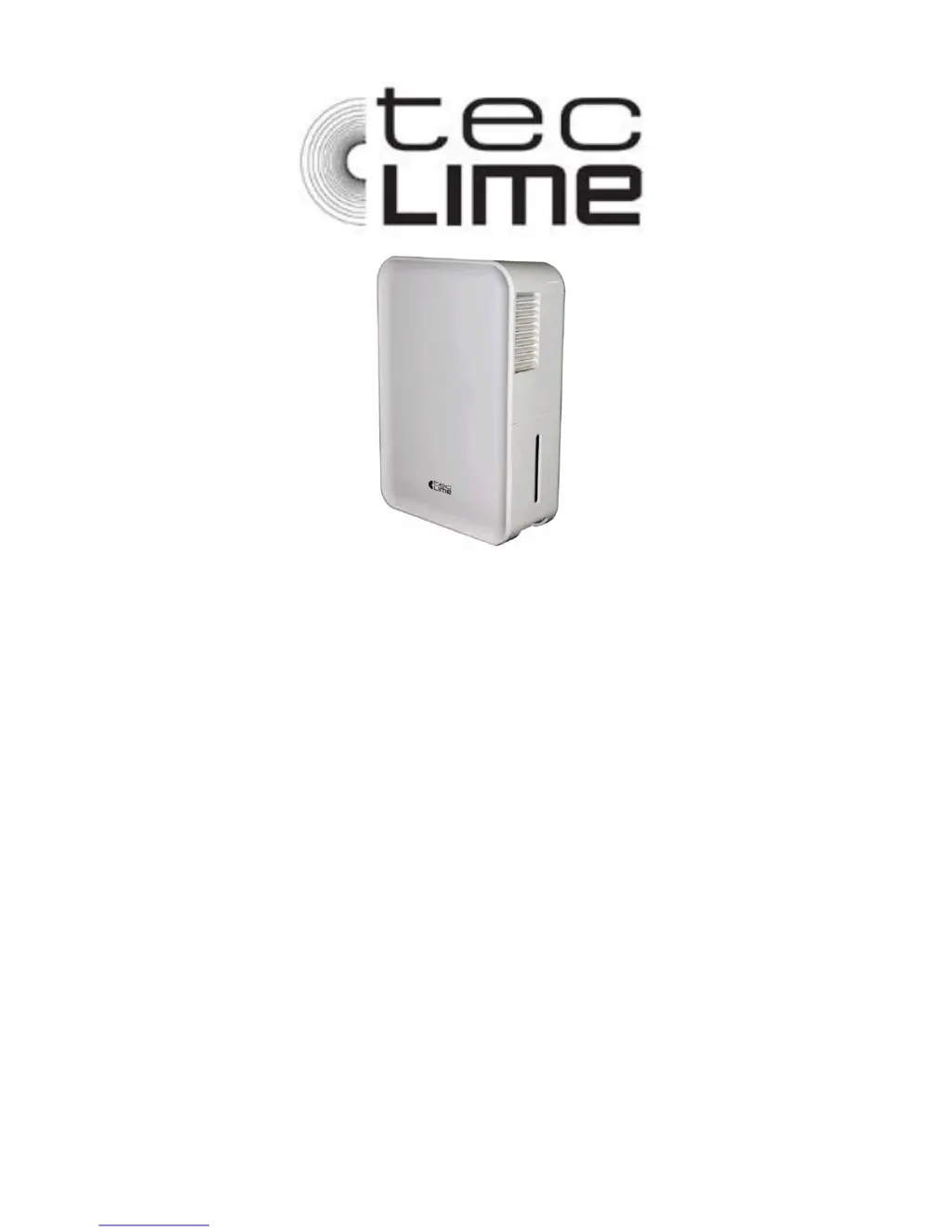
TecLime TDH-12 - User Manual

TecLime TDH-12
38 pages
Go to English
Print Icon
To Next Page IconTo Next Page
Loading...
2014-02-22
Smartwares
®
ApS
Sundsholmen 14
DK 9440 Norresundby,
Denmark
Manual
TDH-12
Luftavfuktare
Dehumidifier
Affukter
Avfukter
Osuszacz
SE ANVÄNDARHANDBOK
GB USER MANUAL
DK BRUGERVEJLEDNING
NO BRUKERMANUAL
PL INSTRUKCJA OBSŁUGI

Questions and Answers

  • S
    stephensbrittanyAug 2, 2025
    Why is my TecLime Dehumidifier not drying the air properly?
    • D
      Dana LaneAug 2, 2025
      Several factors can impact the dehumidifying performance of your TecLime Dehumidifier. Ensure that you allow sufficient time for the unit to remove moisture. Check that curtains, blinds, or furniture aren't blocking the front or back of the unit. The humidity control setting might be too high. Verify that all doors, windows, and other openings are securely closed. Also, the room temperature might be too low (below 5°C or 41°F), or there could be a source of water vapor in the room, such as a kerosene heater.
  • T
    tonya93Aug 11, 2025
    What to do if my TecLime Dehumidifier does not start?
    • I
      imartinAug 11, 2025
      If your TecLime Dehumidifier isn't starting, try these steps: First, ensure the dehumidifier's plug is fully inserted into the outlet. Then, check your house's fuse or circuit breaker box. Also, the dehumidifier might have reached its pre-set humidity level, or the bucket could be full. Finally, make sure the tank is correctly positioned.
  • D
    Diane JacksonAug 21, 2025
    How to stop water leaking from my TecLime Dehumidifier onto the floor?
    • D
      David LopezAug 22, 2025
      If you find water on the floor near your TecLime Dehumidifier, check the following: * Ensure the hose connection to the connector is tight. * Verify the hose connection itself is secure. * If you're using the bucket to collect water, make sure the back drain plug is properly installed.

Summary

Product Specifications and Safety

Product Specifications

Details model number, description, voltage, and power ratings.

General Safety Warnings

Critical notices for safe operation and avoiding hazards.

Electrical Safety Information

Covers grounding, nameplate data, and power cord safety.

Dehumidifier Components

Device Components and Features

Explains physical parts, indicator lights, and operational features like auto-shutoff.

Display and Error Codes

Describes display functionality and common error/protection codes.

Control Panels and Operation

Control Panels and Operation Modes

Details control panel layouts, indicator lights, and operation modes for different models.

Installation and Unit Placement

Guidelines for optimal placement and required air space for effective operation.

Operating the Dehumidifier

Instructions for initial use, operating environment, and power connection.

Water Management and Maintenance

Water Collection and Drainage

Methods for removing collected water via bucket or continuous drain.

Cleaning and Maintenance Procedures

Steps for cleaning the unit's case and air grilles.

Internal Component Cleaning and Storage

Guide for cleaning the bucket and air filter, plus long-term storage.

Troubleshooting and Support

Troubleshooting Unit Operation

Solutions for unit not starting, poor drying, and noise issues.

Troubleshooting Specific Issues

Solutions for frost, water leaks, and display error/protection codes.

Warranty Terms and Conditions

Details the 24-month warranty coverage, exclusions, and claim procedures.

Environmental Protection

Recycling and Disposal Guidance

Guidance on responsible recycling and disposal of the product.

TecLime TDH-12 Specifications

General IconGeneral
BrandTecLime
ModelTDH-12
CategoryDehumidifier
LanguageEnglish