PROVASET T3LPF REV.20210610
80
8. PART COUNTER
RECORDS & STATISTICS
TEST
COUNTERS
From the main menu, by pressing the "Data and Statistics" button, it is possible to
access the menu for managing the part counters and, only if the option is enabled,
also the daily statistics.
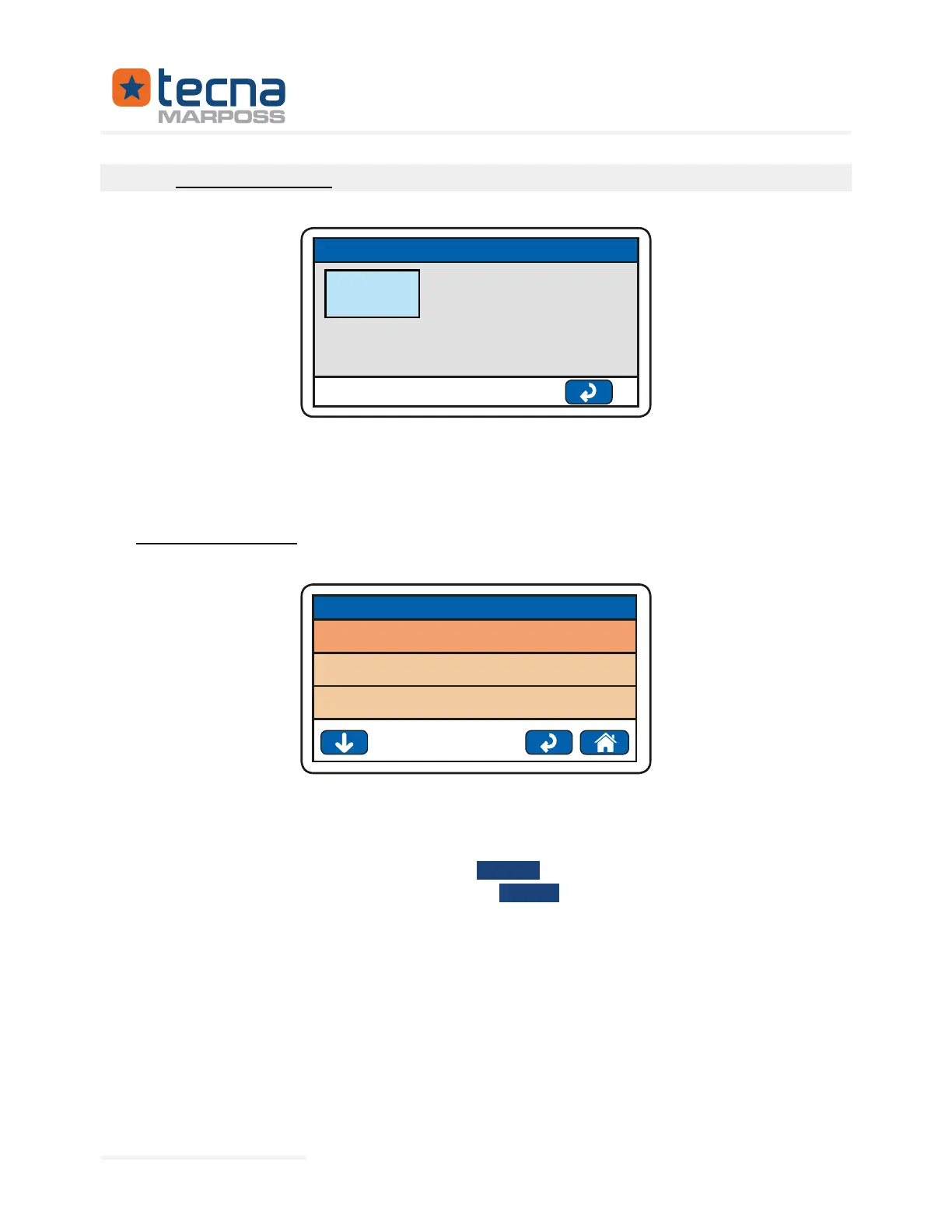
8.1 Partial part counter
240
216
24
TEST COUNTERS
TESTS
PASSED
FAILED
At the end of each test, the instrument updates the partial counters:
No. of TESTS: total number of tests carried out since the last reset.
OK: total number of tests carried out with
PASSED result, since the last reset.
FAILS: total number of tests carried out with
result, since the last reset.
The counters can be reset manually with the red [Recycle Bin] key.
Press the arrow key to display the total part counter.
Represented By: GTEK AUTOMATION Lake Forest, CA 92630 Ph. 949-680-4242 www.gtek-automation.com



 To Next Page