Revised 03/25/2020 4
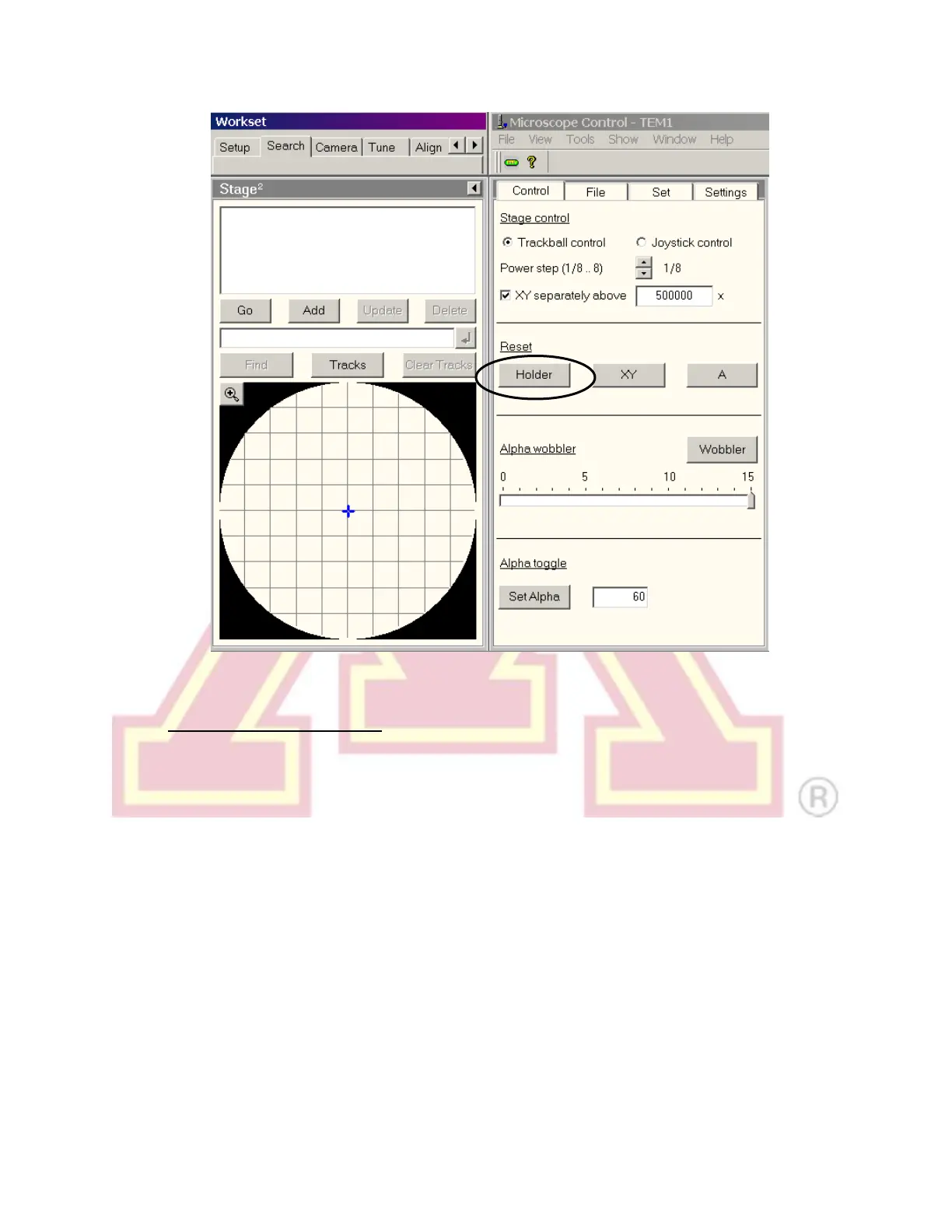
2.) Sample Holder Removal:
a.) Reset the sample stage.
b.) Always keep light pressure on the purple goniometer surface when
removing the sample holder. Pull the holder straight back without rotating
until it stops moving.
c.) Rotate the holder clockwise until it stops. This rotation moves the guide pin
(see steps 3 and 4) approximately from the 12 o’clock position to 5 o’clock.
d.) Gently, while keeping pressure on the goniometer, pull the sample holder
back to break the airlock vacuum. This will require a small amount of force.
e.) Remove the holder straight back out of the column while being careful not to
scrape it along the inside of the airlock.
f.) Be careful not to touch the holder o-ring or any part past it with bare hands.



 To Next Page