EasyManua.ls Logo

TECNORD RC-DBM - User Manual

Default Icon
23 pages
Print Icon
To Next Page IconTo Next Page
Loading...
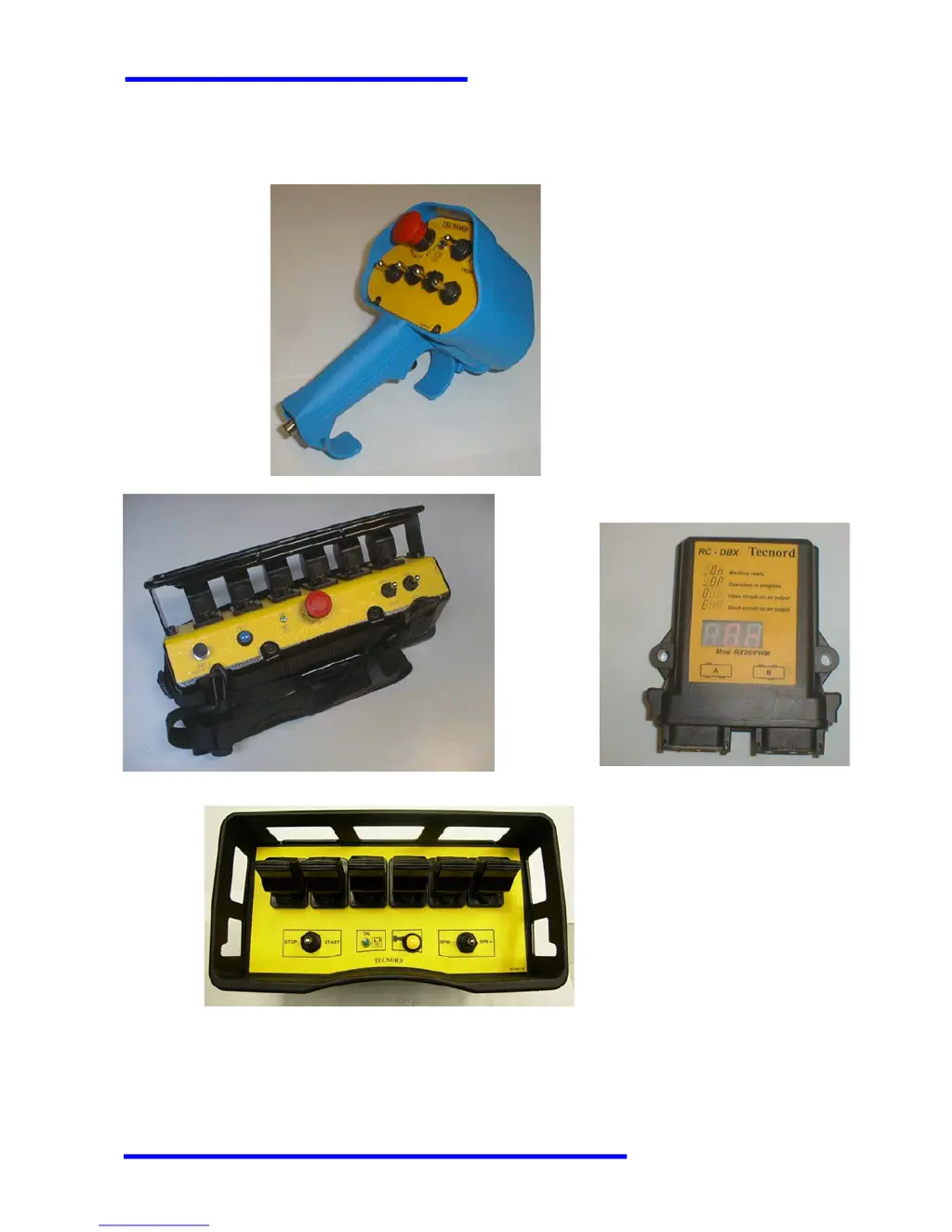
RC-DBM/PCM/NBM
Radio Remote Control Systems
TECNORD
SERVOCOMANDI E REGOLAZIONE
Use and Maintenance Manual

Table of Contents

Questions and Answers

  • K
    Kenneth WhiteheadAug 6, 2025
    What to do if the TECNORD RC-DBM receiver's display doesn't turn on?
    • M
      melissamercadoAug 6, 2025
      If the TECNORD Remote Control receiver's display doesn't turn on, it indicates an interruption of the receiver’s power supply. Ensure the main switch is on, verify all connections and fuses, measure the voltage input to the receiver unit, and check the fuse inside the enclosure.
  • E
    Earl CollinsAug 20, 2025
    Why does my TECNORD Remote Control transmitter not react when turned on?
    • R
      Richard Bennett DVMAug 21, 2025
      If your TECNORD Remote Control transmitter doesn't react when turned on, it may be due to one of the following reasons: either no battery pack is connected or the batteries are completely discharged or damaged. To resolve this, connect a Tecnord’s original battery pack. Also, recharge or replace the batteries if they are damaged.

Summary

SAFETY

Safety of the Radio Control System

General safety principles for utilizing the radio control system.

Emergency Response

Procedures for reacting to emergency situations.

OPERATION

Radio Transmission System Overview

Explains signal transmission between transmitter and receiver.

Safety Control and Start-up Procedure

Essential checks for safe activation and emergency stop function.

System Diagnostics

How to diagnose system issues using built-in features.

Operating Problems and Troubleshooting

Common issues, causes, and solutions for malfunctions.

MAINTENANCE

TECHNICAL DATA

Transmitter Specifications

Technical details for SHW-TX, PCJ-TX, NBJ-TX transmitters.

SYSTEM DIAGNOSTICS AND CONFIGURATION

Transmitter Diagnostics Indicators

Explains buzzer and LED signals for transmitter status.

Receiver Diagnostics Menus

Overview of receiver display menus for status and diagnostics.

Calibration Menu for DBR Systems

Procedure for calibrating DBR system parameters like current and time ramps.

Calibration Menu for DBM;PCM;NBM Systems

Procedure for calibrating DBM/PCM/NBM system parameters like voltage and time ramps.

System Menu Overview

Introduces system configurations for RC-DBX, RC-PCM, RC-NBM systems.

TECNORD RC-DBM Specifications

General IconGeneral
BrandTECNORD
ModelRC-DBM
CategoryRemote Control
Range100 meters (open space)
Battery TypeAAA
Frequency433.92 MHz

Related product manuals