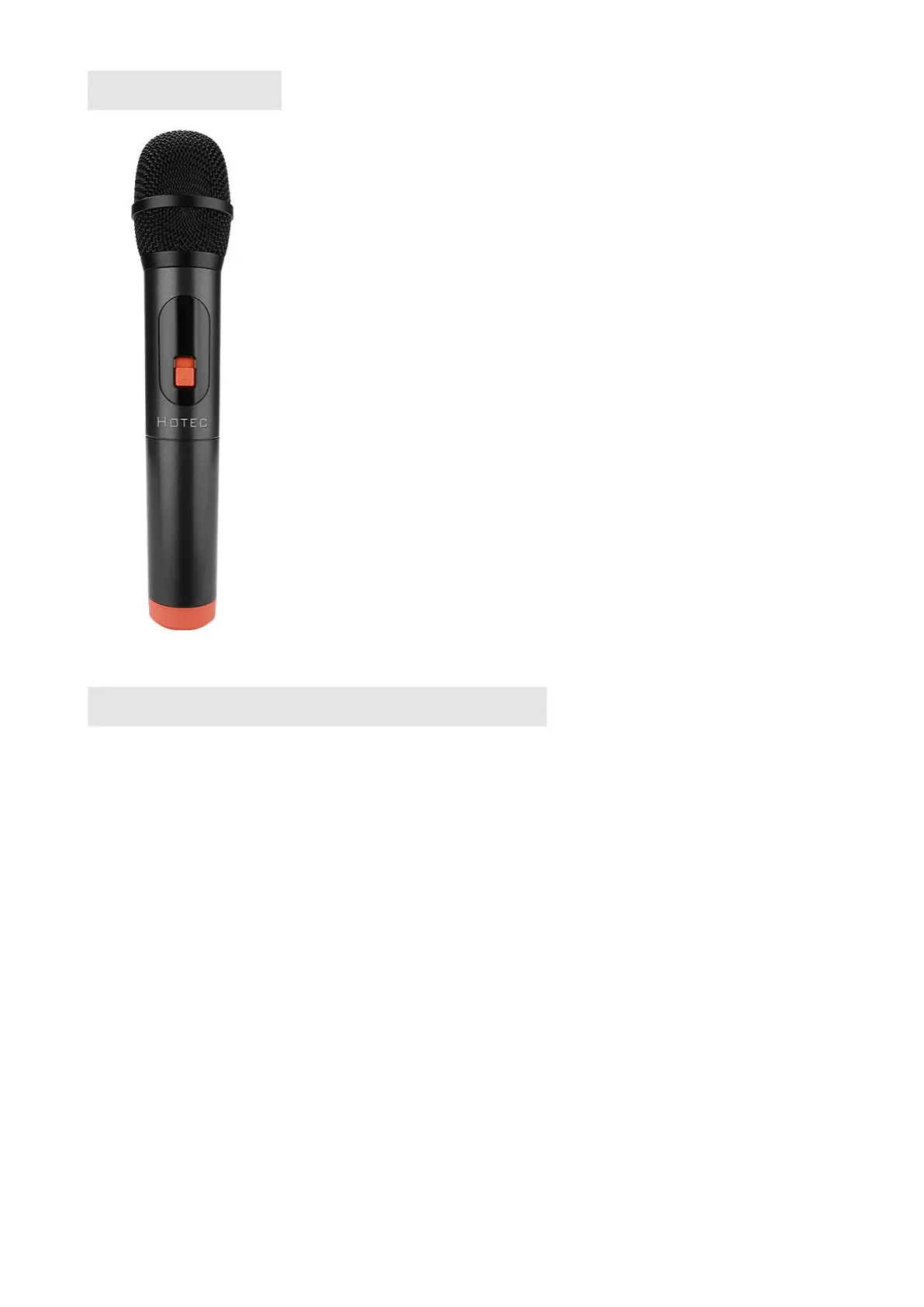
Microphone
Speaker Modes Introduction
MODE
Mode button serves to switch modes of the speaker: Bluetooth, radio FM and input devices, i.e.
micro USB, Micro SD and AUX.
BLUETOOTH MODE
(1) Power on/ofF
Switching the power on/off button to turn the speaker on/off.
(2) Bluetooth connection
The PA speaker's device name is LR69Q68. When you enable the Bluetooth function in your
bluetooth device like phone or tablet, search the device name "LR69Q68". Select this device name
to pair it with your bluetooth device. When the Bluetooth pairing is successful, youwill hear a
"Ding-dong" sound. Then you can play the music.In case of unsuccessful pairing, disable the
Bluetooth function and enable it again. If you turn off the PA speaker, but the Bluetooth on your
smart phone remains active, when you power on the PA speaker again, the Bluetooth will be
connected automatically.
Microphone set up instruction
This product comes with a microphone, the wireless receiver is built
inside the speaker, so you can use the microphone once the battery
is installed and powered on.
You can also use additional wireless microphone by plugging the
wireless receiver into the Mic Input 1 (#9 in the speaker control
panel) in the speaker.
Here are the set up steps for the microphone that comes with
the speaker.
1. Install the AA battery;
2. Power on the microphone by pushing the power button;
3. Power on the PA speaker, change the microphone volume by the
microphone volume knob (NOT the speaker volume/power knob).
4. Change the echo in the top of the speaker if necessary.


 To Next Page