EasyManua.ls Logo

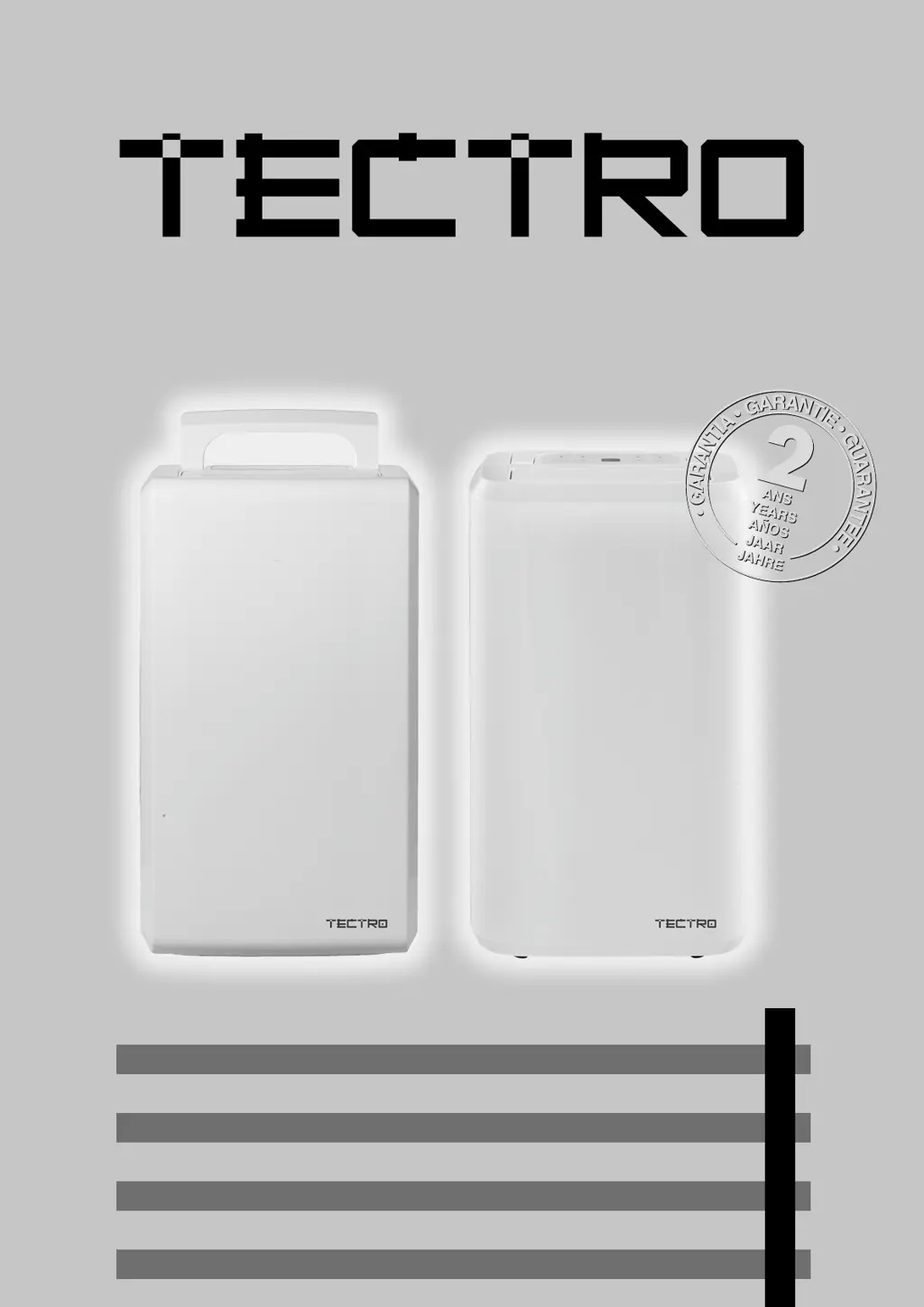
Tectro TD 1510 - User Manual

Tectro TD 1510
144 pages
Go to English
Print Icon
To Next Page IconTo Next Page
Loading...
TD 1010 - TD 1510
2
5
3
4
>
1
9
y
2
16
30
44
56
70
84
98
GEBRAUCHSANWEISUNG
INSTRUCCIONES DE USO
MANUEL D’UTILISATION
OPERATING MANUAL
ISTRUZIONI D’USO
GEBRUIKSAANWIJZING
MANUAL DE INSTRUÇÕES
PRIROČNIK ZA UPORABO

Questions and Answers

  • J
    Jessica WilsonJul 25, 2025
    What to do if my Tectro TD 1510 does not work?
    • T
      traviswalkerJul 25, 2025
      If your Tectro Dehumidifier isn't working, first, ensure the power cord is properly plugged into the wall outlet. Next, check if the water container is full and empty it if necessary. Also, make sure the water container is correctly placed in its position. Finally, the unit has a protection device that activates if the room temperature is above 35°C or below 5°C, preventing it from starting.
  • M
    Marcus CruzAug 1, 2025
    Why Tectro TD 1510 is not reducing humidity enough?
    • M
      Maria WarrenAug 1, 2025
      If your Tectro Dehumidifier isn't sufficiently reducing humidity, it might be due to several reasons. The room might be too large, requiring a dehumidifier with greater capacity. Alternatively, there could be too many sources of humidity in the room, also suggesting the need for a more powerful unit. Lastly, excessive ventilation can hinder dehumidification; try reducing ventilation by closing curtains and doors.
  • L
    louisgambleAug 9, 2025
    Why is my Tectro Dehumidifier not dehumidifying?
    • A
      Amanda JonesAug 9, 2025
      If your Tectro Dehumidifier is not dehumidifying, the air filter may be clogged, so you should clean it. Also, the temperature or relative humidity in the room may be too low, in which case it is normal for the device not to dehumidify. Check if the intake or discharge duct is obstructed and remove any obstructions.
  • L
    Lisa CastilloAug 17, 2025
    How to reduce noise from Tectro TD 1510?
    • M
      Mary WhiteAug 17, 2025
      If your Tectro Dehumidifier is operating noisily, ensure the unit is placed on a stable, sturdy surface. If the issue persists, the air filter might be clogged, requiring cleaning as instructed in the “Cleaning the dehumidifier” section.

Summary

Important Components Overview

Safety Instructions

Electrical Connection and Accessibility

Emphasizes the need for earthed connection and accessible plug.

Child Supervision and Maintenance

Emphasizes supervision for children using or maintaining the appliance.

Instructions for Repairing Appliances Containing R290

General Safety and Work Area Preparation

Covers area checks, work procedures, general work area, and ventilation.

Leak Detection, Removal, Charging, and Decommissioning

Covers leak detection, refrigerant removal, charging, and decommissioning procedures.

Operation and Controls

Operating the Dehumidifier

Step-by-step guide on starting, setting humidity, and programming timers.

Maintenance and Care

Emptying and Cleaning the Drainage Tank

Instructions on how to safely remove, empty, and clean the water tank.

Cleaning the Dehumidifier Body and Air Filter

Steps for cleaning the exterior casing and the air filter.

Troubleshooting Guide

Unit Not Working or Dehumidifying Issues

Addresses problems like the unit not starting or not dehumidifying effectively.

Airflow and Noise Issues

Solutions for problems related to lack of air discharge or noisy operation.

Error Codes and General Issues

Explains error codes (e.g., E1) and other operational problems.

Warranty Conditions

Technical Specifications

Tectro TD 1510 Specifications

General IconGeneral
BrandTectro
ModelTD 1510
CategoryDehumidifier
LanguageEnglish

Related product manuals