EasyManua.ls Logo

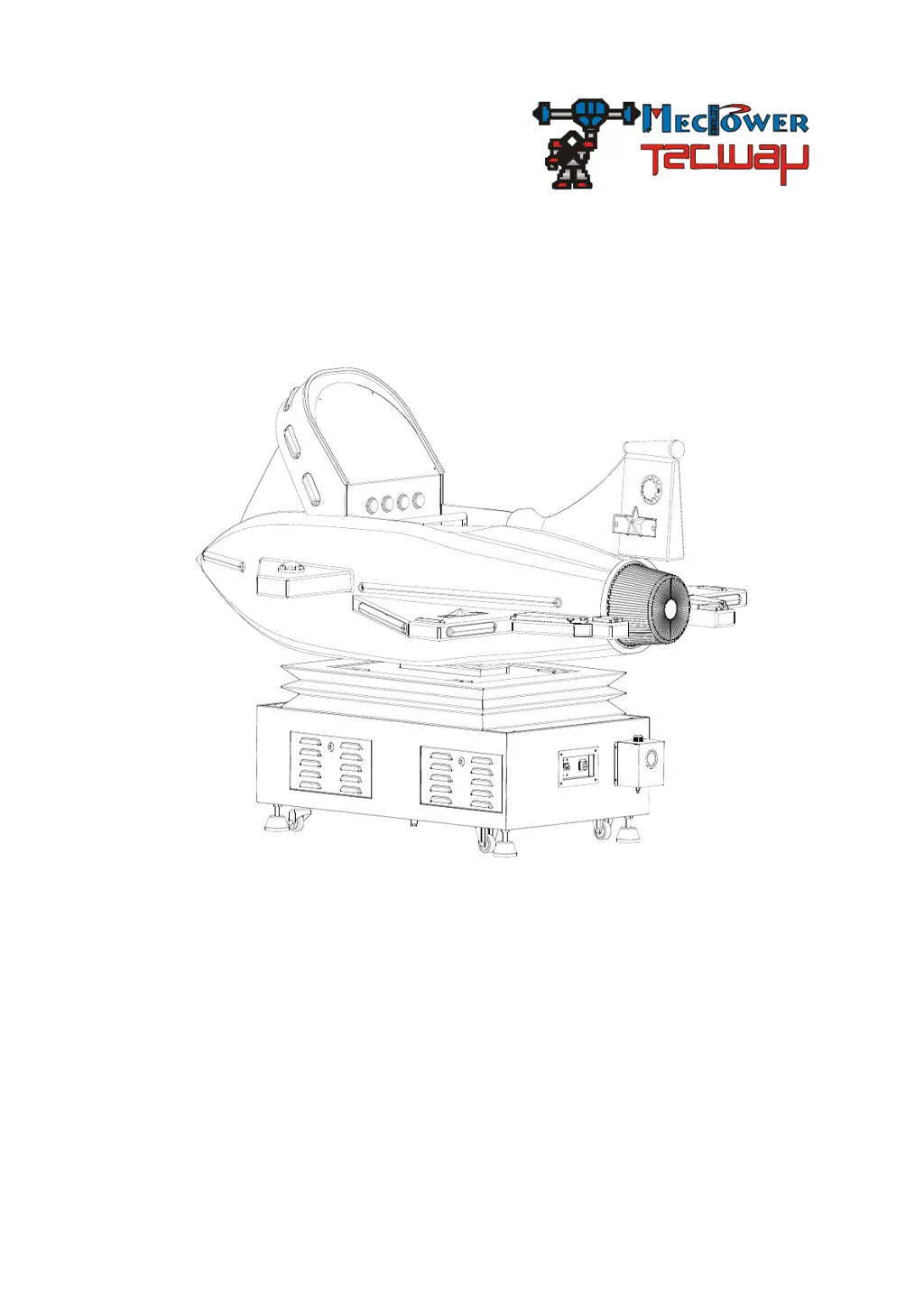
Tecway Kiddie Jet - User Manual

Default Icon
23 pages
Print Icon
To Next Page IconTo Next Page
Loading...
Kiddie Jet

Questions and Answers

  • P
    pamelawangAug 14, 2025
    How to fix no sound on Tecway Kiddie Jet Arcade Game Machines?
    • R
      Raven WalshAug 15, 2025
      If your Tecway Arcade Game Machine has no sound, first check the speaker wire connection. If that's not the issue, adjust the volume in the setting interface. Finally, if the problem persists, the speaker might be faulty and needs checking or replacement.
  • A
    Amanda DavisAug 18, 2025
    What to do if Tecway Arcade Game Machines monitor has no display?
    • W
      whitney23Aug 18, 2025
      If your Tecway Arcade Game Machine monitor isn't displaying anything, start by reconnecting the monitor power line. Next, ensure the monitor signal cable is properly connected. If neither of these steps works, the main board or the monitor itself may be faulty and require maintenance or replacement.
  • S
    Stacey KerrAug 21, 2025
    Why Tecway Kiddie Jet has no movement for the whole machine?
    • A
      Ashley Tran MDAug 21, 2025
      If your Tecway Arcade Game Machine isn't powering on, check the AC110V/220V input connection first. If the connection is fine, replace the fuse. If it still doesn't work, the power supply might not be providing output voltage, requiring repair or replacement. Finally, the main board could be bad and require replacement.
  • K
    Kevin HallAug 25, 2025
    How to fix can't insert coin on Tecway Arcade Game Machines?
    • P
      Paige JonesAug 26, 2025
      If your Tecway Arcade Game Machine isn't accepting coins, start by inserting a sample coin. If it still doesn't work, the coin sensitivity might be too high; adjust the resistance screw to the right. If the problem persists, the coin mechanism may be faulty and need replacement.
  • D
    David OrtizAug 28, 2025
    What to do if directions and accelerator control failure on Tecway Arcade Game Machines?
    • D
      dalton91Aug 28, 2025
      If the directions and accelerator aren't working on your Tecway Arcade Game Machine, check the direction potentiometer circuit connection. If the circuit is fine, the potentiometer might be bad and needs replacement. If the issue continues, adjust the potentiometer data on the setting interface.
  • D
    Deanna GonzalezAug 31, 2025
    Why the flash lights do not light up on Tecway Kiddie Jet?
    • E
      Eric EstradaAug 31, 2025
      If the flash lights on your Tecway Arcade Game Machine aren't lighting up, check the connection of the light's control. If the connection is secure, the light itself might be bad and need replacement. If the issue persists, the lights drive board may have failed, requiring maintenance or replacement.
  • J
    Justin GrahamSep 4, 2025
    What to do if the air compressor has no movement on Tecway Arcade Game Machines?
    • W
      whitneyyoungSep 4, 2025
      If the air compressor in your Tecway Arcade Game Machine isn't moving, check the air compressor's circuit connection. If the connection is good, the start capacitor might be faulty and need replacement. If the problem persists, the air compressor itself may be bad and need replacement.
  • U
    uvincentSep 6, 2025
    Why the air sac has no movement on Tecway Kiddie Jet Arcade Game Machines?
    • D
      David ParkerSep 7, 2025
      If the air sac in your Tecway Arcade Game Machine isn't moving, check the control valve's circuit connection. If the connection is fine, the control valve might be bad and need replacement. If the issue continues, the air sac itself may be faulty and need replacement.
  • M
    melendezcharlesSep 10, 2025
    How to troubleshoot button failure on Tecway Arcade Game Machines?
    • J
      Jessica PattonSep 12, 2025
      If a button isn't working on your Tecway Arcade Game Machine, check the switch circuit connection. If the circuit is properly connected, the switch itself may be faulty and need replacement.

Summary

Summary

General troubleshooting and solutions

Provides guidance on resolving common game issues.

Safety Attentions

High Voltage Precautions

Warns about high voltage and technician requirements for adjustments.

Power Off Procedures

Emphasizes switching off power before maintenance or opening the game.

Fire Safety

Stresses the importance of having fire extinguisher equipment nearby.

Installation

Proper Location Selection

Details requirements for placing the game to avoid damage.

Notes of Usage

Voltage Requirements

Specifies correct voltage ranges and the need for verification.

Notes of Maintenance

Part Replacement Safety

Instructs to switch off power and use identical replacement parts.

PCB Voltage Checks

Details voltage checks for the PCB and creepage before repair.

Notes of Moving and Shipping

TECHNICAL PARAMETER

INSTALLATION

CHOOSE THE LOCATION FOR INSTALLATION

Guides on selecting an appropriate location and placement based on machine exterior.

CHECK AND SET BEFORE CONNECTING THE POWER

CHECK AND ADJUST AFTER CONNECTING THE POWER

Post-Connection Voltage and Functionality Checks

Verifies input voltage, coin machine, display, lights, sound, and button operations.

CHECK BEFORE OPERATION

Pre-Operation Inspection Items

Lists checks for cord, location, case defects, dirt, and marks before operating.

DAILY OPERATION

GAME SETTING

SETTING METHOD

SETTING DESCRIPTION

ADJUSTMENT

ADJUT THE COIN MECH

Details steps for adjusting the coin mechanism, including token tolerance.

MAIN BOARD ADJUSTMENT

CHECK AND MAINTAIN

Daily Check Procedures

Lists daily checks for coin mech, fire button, motion, sound, and display.

TROUBLESHOOTING

Tecway Kiddie Jet Specifications

General IconGeneral
BrandTecway
ModelKiddie Jet
CategoryArcade Game Machines
LanguageEnglish

Related product manuals