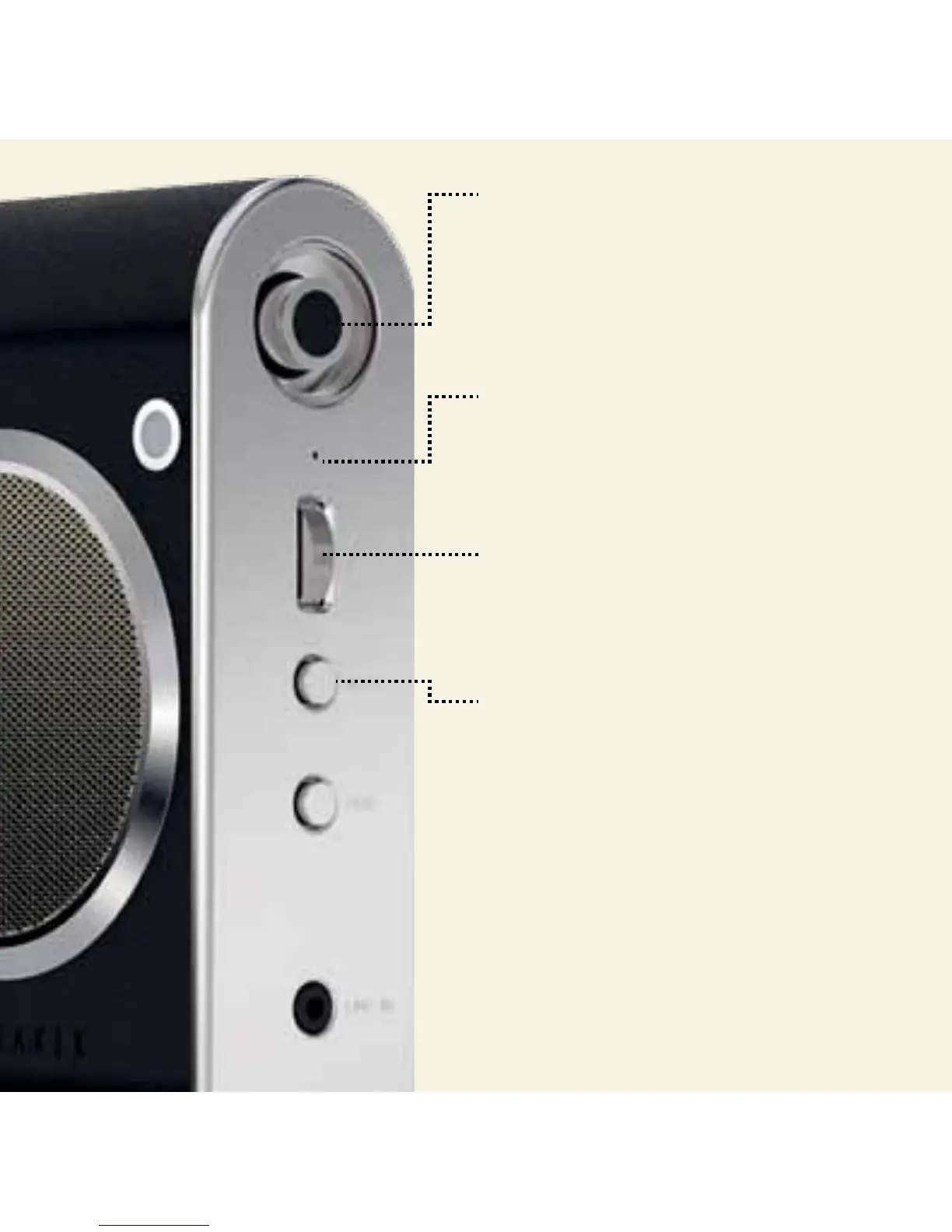
POWER BUTTON
On: Push x1 & wait for LED to light up.
O: Push again, to switch o.
Ted’s top tip: Fastnet will either connect to a
device in memory if available for connection,
or will wait to be paired .
MIC
When connected to a mobile phone via
Bluetooth®, calls will be directed to
Fastnet’s in-built mic.
VOLUME
Scroll upwards/downwards to control.
Ted’s top tip: Set volume on your device to
maximum, then control sound from Fastnet.
MUTE
Short press to mute/unmute voice during calls.


 To Next Page