Troubleshooting
Q: Why the lock won’t accept any inputs after I entered a code or fingerprint incorrectly for so many times?
A: The lock will shut down for 2 minutes after 5 unsuccessful attempts at entering an invalid code or fingerprint.
You can unlock the lock once in the App or wait 2 minutes to continue.
Q: How do I lock manually from outside?
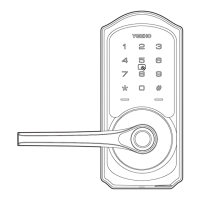
A: Press and hold # to lock the lock from outside.
Q: The batteries are completely dead before I replace new batteries.
A: When the batteries are completely dead, the physical keys are available to unlock.
Q: How do I share access of the lock to my family members?
A: Go to DDLock App, in eKeys or Authorized Admin, it can share access of the lock to your family.
20


 To Next Page
 Loading...