Buttons
2 min: During or at the start of a workout the time will count down from 02:00 minutes.
5 min: During or at the start of a workout the time will count down from 05:00 minutes.
10 min: During or at the start of a workout the time will count down from 10:00 minutes.
Mode: Turns on the console. Toggles between TIME, CALORIES, and DISTANCE so users may set their
own limits.
Reset: Press and hold for 3 seconds to reset the console and all values.
Unit: You can switch between miles and meters by pressing and holding the button for 4 seconds.
STORAGE
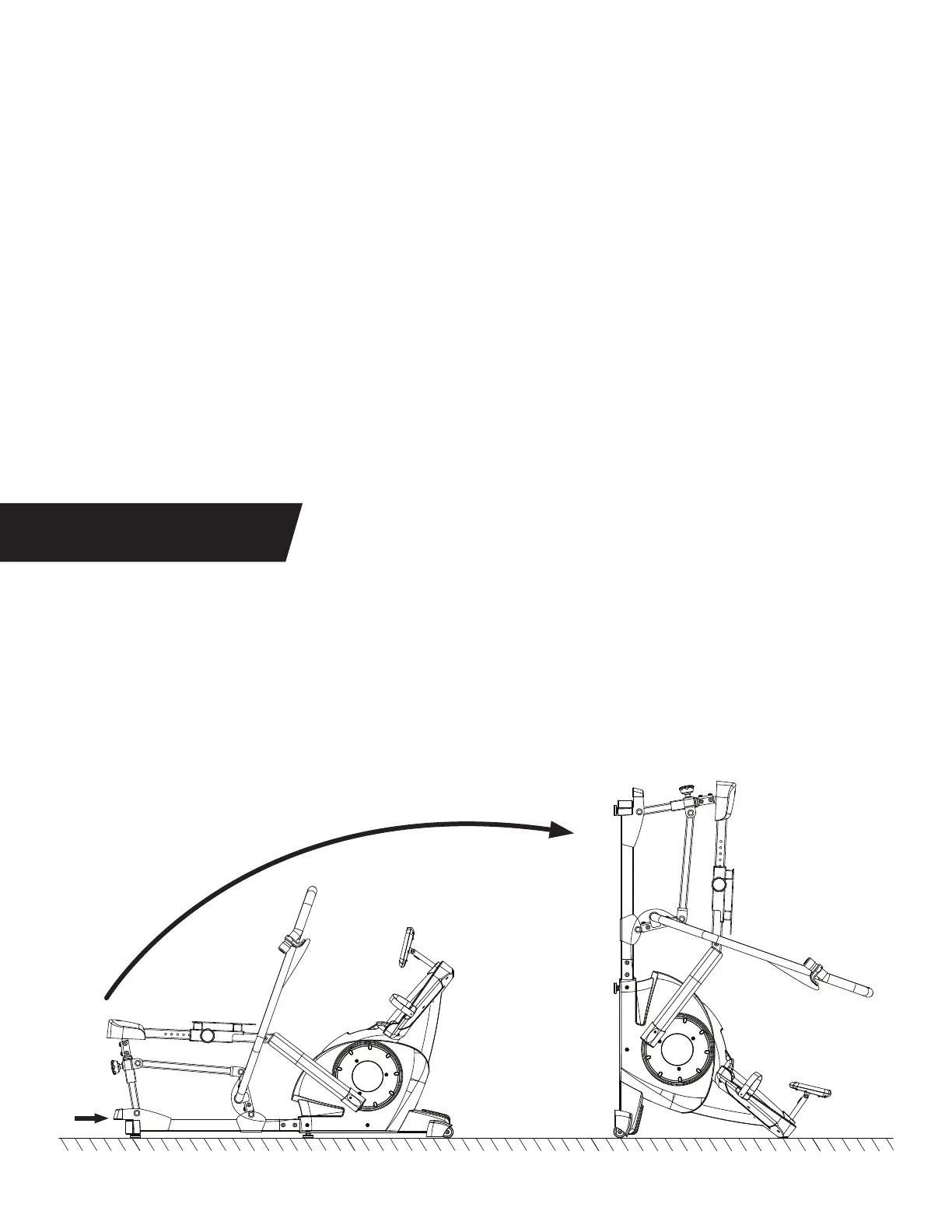
Lift up on the Rear Handle to tip the Power10 onto the Transport Wheels to move to the storage location.
Continue lifting up on the Rear Handle and rotating on the Transport Wheels until the Foot Platform is
resting on the ground.
Ensure the Power10 is stored on a flat, stable surface near a wall, if possible.
LIFT
TURN
17


 To Next Page