46
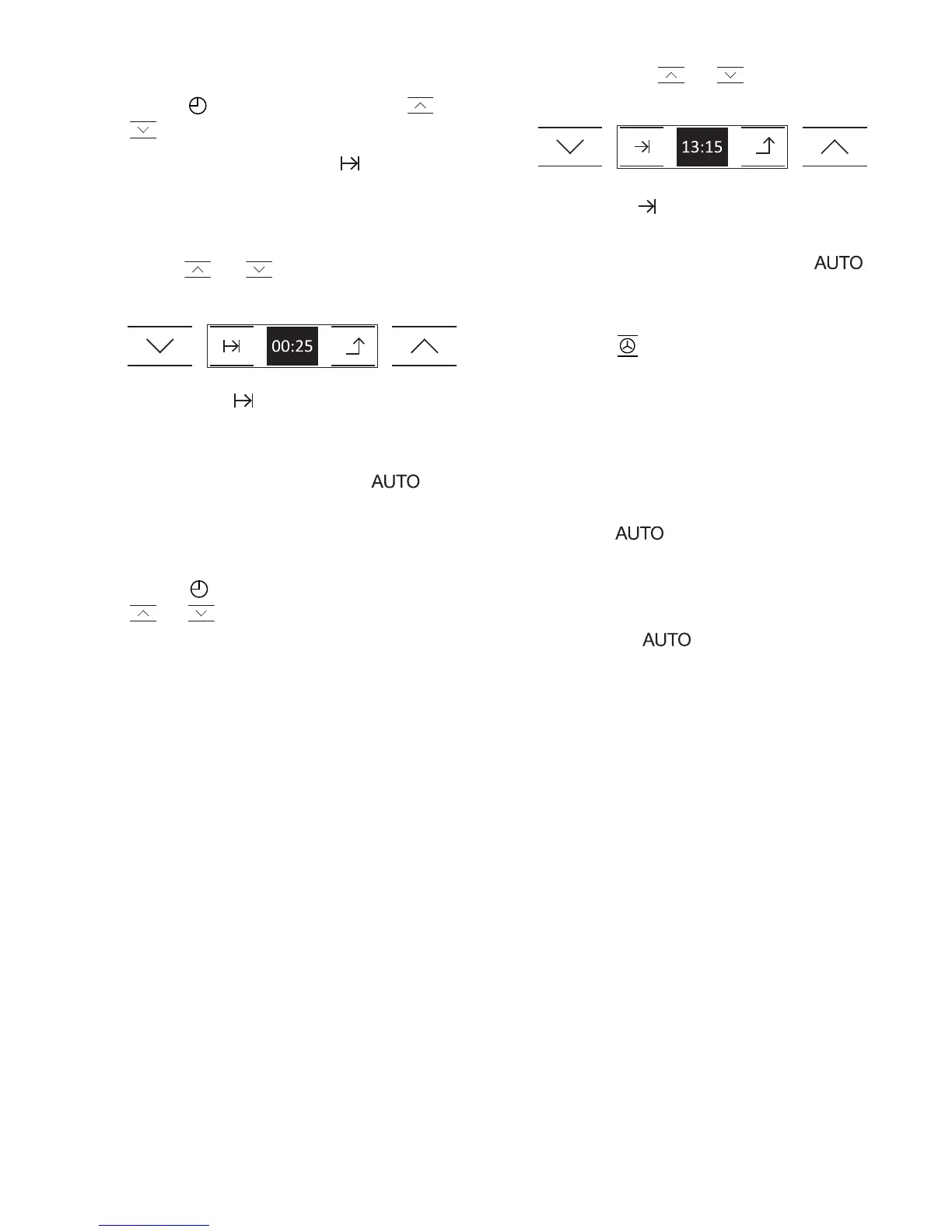
4. Programming Cooking Time and Cooking
Stop Time.
1 Touch on the display. Touch or
to see the clock functions.
2 When you find function , touch the
symbol on the display. If you touch the
arrow, you will leave the menu and go
back to the previous display.
3 Touch or to select the cooking
duration.
4 Then touch to accept. If you touch
the arrow, you will leave the menu and
cancel the previous operation.
5 You will hear 2 beeps and will
flash slowly on the clock. The
programmed cooking time and cooking
stop time will be shown on the display.
6 Touch on the display again. Touch
or to find the cooking stop time
function.
7 When you find it, touch the symbol on
the display.
8 You will see the current time on the
display. Touch or to programme
the cooking stop time.
9 Then touch to accept.
10 You will hear 2 consecutive beeps. The
oven will remain off and the
light will be on. The oven is now
programmed.
11 Touch and select a cooking
function and temperature.
12 When it is time to start cooking, the
oven will switch on and will operate for
the programmed cooking time.
13 The cooking time and cooking stop
time will be shown on the display. The
symbol will flash slowly on the
clock.
14 When the cooking stop time is reached,
the oven will turn itself off, an alarm will
sound and will flash quickly.
15 After this, follow the steps indicated in
the previous section.


 To Next Page