33
User’s Guide
English
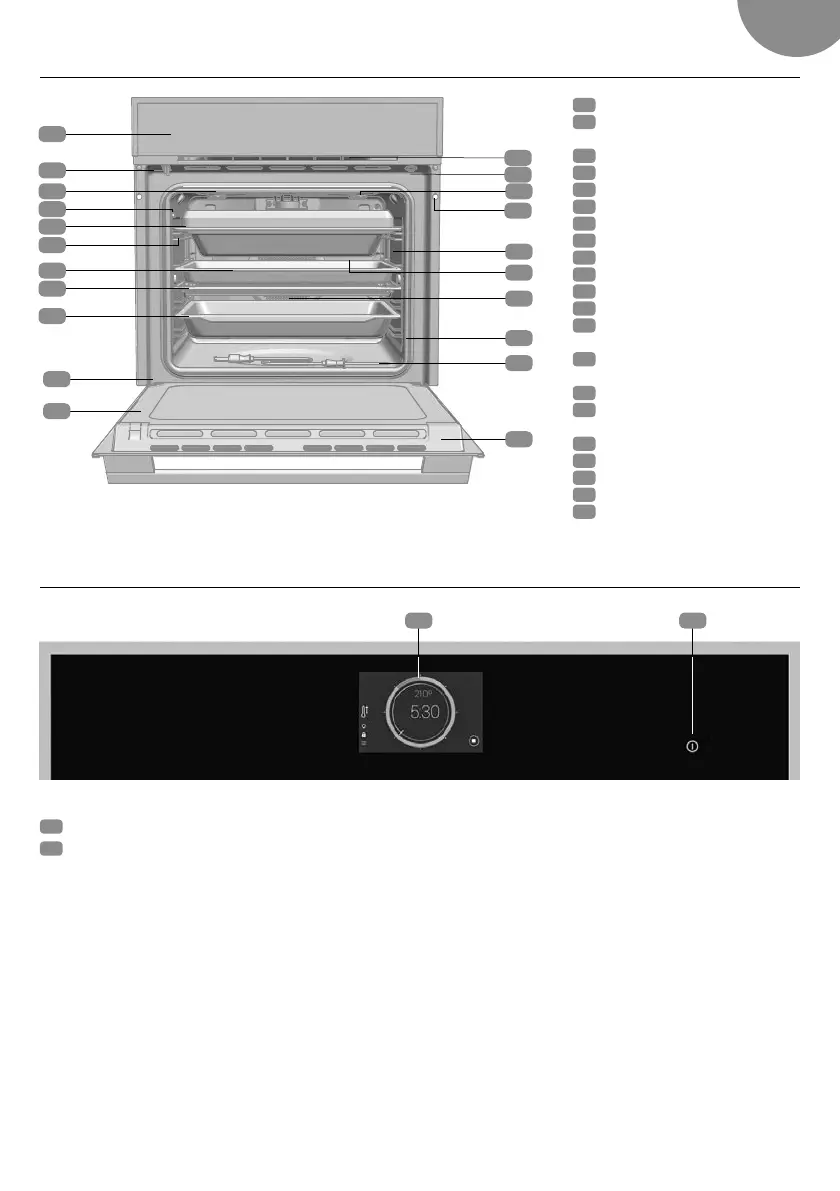
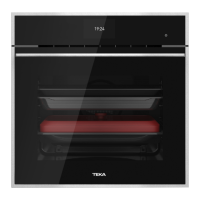
Description of the oven
Control front panel
1
TFT screen.
2
ON/OFF Button
• Short press: End of current cooking cycle - Return to standby screen.
• Press >3 s Overall switching off of oven.
21
1
Control front panel
2
Lock/door switch
(only for pyrolytic models)
3
Grill resistor
4
Meat thermometer connector
5
Multicook
6
Tray support
7
Baking tray
8
Grill
9
Deep tray
10
Hinge
11
Inner glass
12
Cooling air outlet
13
Doo r switch
(only for NON-pyrolytic models)
14
Light
(only for pyrolytic models)
15
Attachment to fitting
16
LED lighting (only for NON-
pyrolytic models)
17
Rear panel
18
Fan
19
Oven door seal
20
Meat thermometer
21
Door
1
4
5
6
8
9
10
11
7
2
3 14
12
13
15
16
18
19
20
21
17


 To Next Page