Chapter 1 -- 11
Discover ActiveX Automation for your labeling software
Event management
When a program detects that something has happ ened, it can
notify its clients. For example, if a stock ticker program detects a
change in the price of a stock, it can notify all clients of the
change. This notification process is referred to as firing an event.
Client
Server: Lppx2
Application
Document
Events
Get or set properties.
Call methods.
Fire events
(event source)
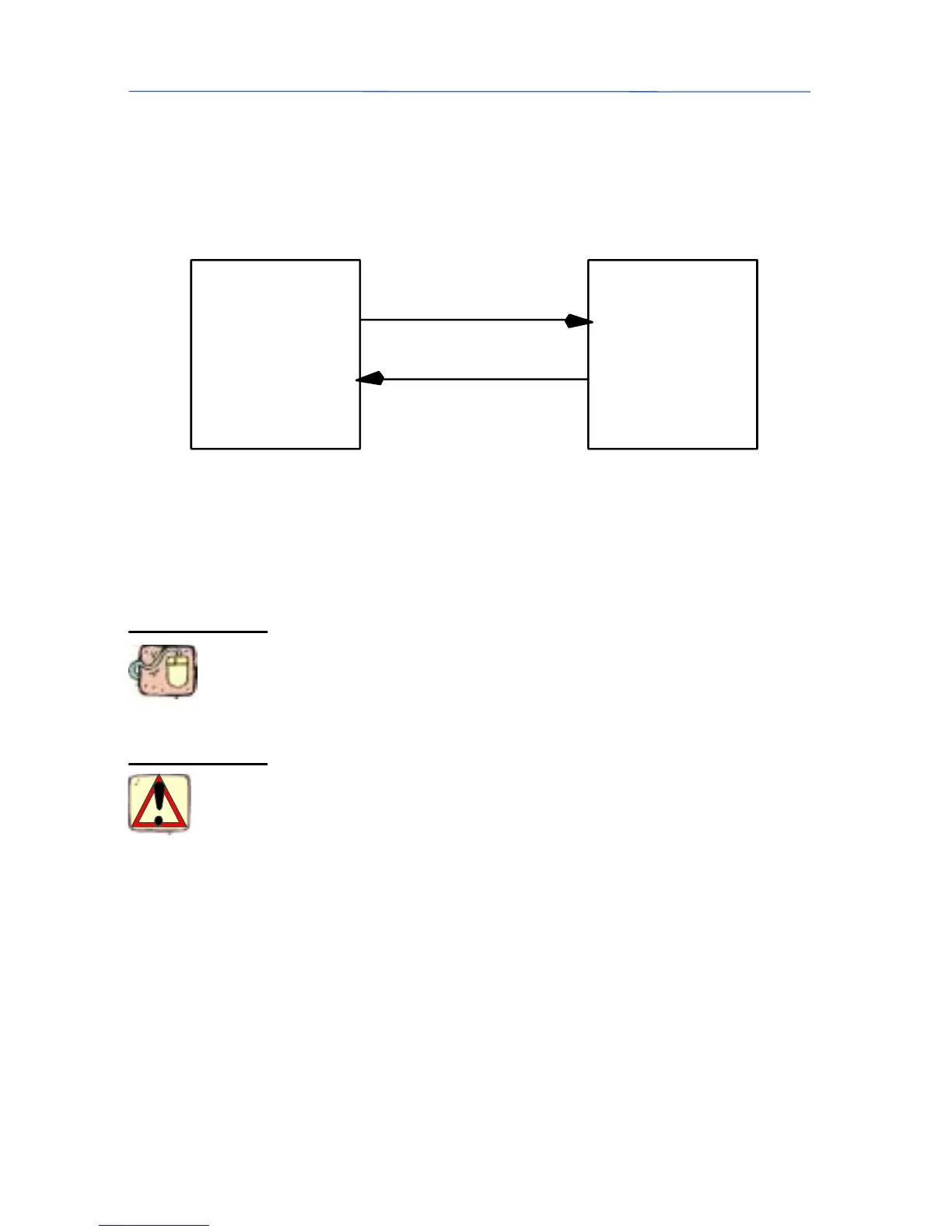
Figure 1 Interaction b etween the Client and
the Labeling software
An object that triggers events is called an event source.To
handle the eve nts triggered by an event source, y ou can declare
a variable of the object’s class using the WithEvents keyword.
For example, to handle the ProgressPrinting event of a Docu-
ment, place the following code in the Declarations section:
Option Explicit
Private WithEvents MyDoc As LabelManager2.Document
Private mblnCancel As Boolean
In this case, the client application must set the EnableEvents
property of the application to True in order to trigger the events.
The WithEvents keyword specifies that the variable MyDoc will
be used to handle an object’s events. You specify the kind of
object by supplying the name of the class from which the object
will be created.
The variable MyDoc is declared in the Declarations section
because WithEvents variables must be module-level variables.
Thisistrueregardlessofthetypeofmoduleyouplacethemin.
The v ariable mblnCancel will be used to cancel the LongTask
method.
"
""
" Limitations on WithEvents variables
You should be aware of the following limitations on the use of
WithEvents variables:
Handling an
Object’s
Events



 To Next Page