Basic Measurements
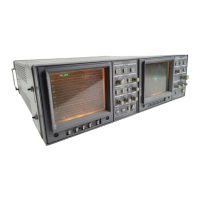
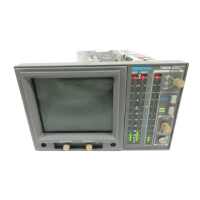
1740A/1750A Series Waveform/Vector Monitor User Manual
4-16
Time Code Display
Linear Time Code, also known as Longitudinal Time Code
(LTC), is an 80-bit signal with information which makes it
possible to accurately identify an individual frame of re-
corded video. LTC is typically recorded on an unused audio
track. The 1740A/1750A--Series monitor provides a voltage-
versus-time display of the Time Code waveform, which can
be used to check for the following problems:
H No signal.
H Sync word in the wrong position (improper
Time Code-to-Video sync).
H Low amplitude or noisy time code signal.
To display the Time Code signal on the monitor, connect the
video signal containing LTC to the rear-panel
REMOTE
connector as follows: pin 12 (+ input), pin 13 (-- input), and
pin 14 (ground). Push the front-panel
TIME CODE button.
The display should be a stable square wave.
Sync W
ord
The trigger point is FIELD 1 of the applied video wave-
form—either internal or external reference. When synchro-
nized to video, the display is stable. The sync word should
appear on the right. If it is mi ssing, drifting, or in another
position, there is a problem with the Time Code-to-Video
synchronization.
Amplitude
Time code gain is set from the
GAIN MENU when TIME CODE
display is selected. Gain choices are 0 dBu, 4 dBu, 8 dBu, or
12 dBu. Select gain relative to the system under test. If the
waveform monitor display amplitude is much less than would
be expected for the given input, a problem may exist with the
Time Code level.


 To Next Page
 Loading...