Need help?
Do you have a question about the Tele System TS3.1 F and is the answer not in the manual?
Important safety guidelines for using the appliance correctly.
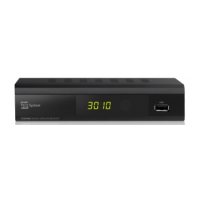
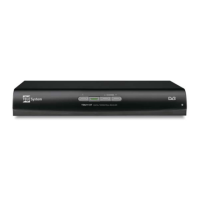
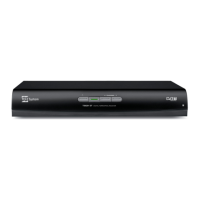
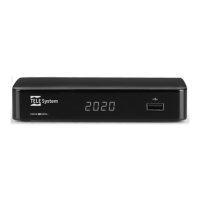
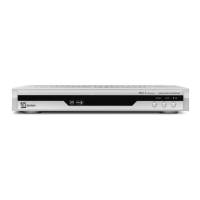
Details the front panel controls, LEDs, and infrared sensor.
Details the back panel connectors and ports for external devices.
Explains the functions of each button on the remote control.
Instructions for connecting the receiver directly to a TV.
Guide for connecting the receiver to a TV and video recorder.
How to connect to audio systems and additional receivers.
Steps for initial setup and viewing pre-set channels.
Displays information about the current channel and program.
How to select audio tracks and modes for multi-language channels.
Managing TV and Radio channel lists, sorting, and editing.
Viewing program schedules and setting timers using EPG.
How to schedule programs directly from the EPG.
Viewing, renaming, skipping, and locking channels.
Accessing initial setup and antenna configuration options.
Configuring receiver settings for the antenna plant.
Settings for multiple LNBs, motorized antennas, DiSEqC/USALS.
Automatic channel detection and memorization.
Scanning specific transponders or using factory scan data.
Setting OSD language and preferred audio languages.
Optimizing video output and aspect ratio for the TV.
Setting clock, timers, and automatic shutdown.
Scheduling program viewing or memo messages via timers.
Setting countdown to standby and customizing display settings.
Setting PIN codes for menu, function, and channel access.
Enabling/disabling power to the LNB converter.
Restoring the receiver to its original factory settings.
Viewing channel info, software version, and antenna orientation.
Accessing built-in games and updating receiver software.
Downloading channel lists using external PC software.
Remote control guide and guided installation procedure.
Common problems like no signal, sound, or remote control issues and their remedies.
A visual representation of the receiver's menu hierarchy and options.
Definitions of technical terms used throughout the manual.
Detailed technical data and features of the satellite receiver.
 General
| Free To Air | Yes |
|---|---|
| Input Impedance | 75 Ohm |
| Power Supply | 12V DC |
| Type | Satellite Receiver |
| Frequency Range | 950-2150 MHz |
| Output Level | 1 Vpp |

 To Next Page