EasyManua.ls Logo

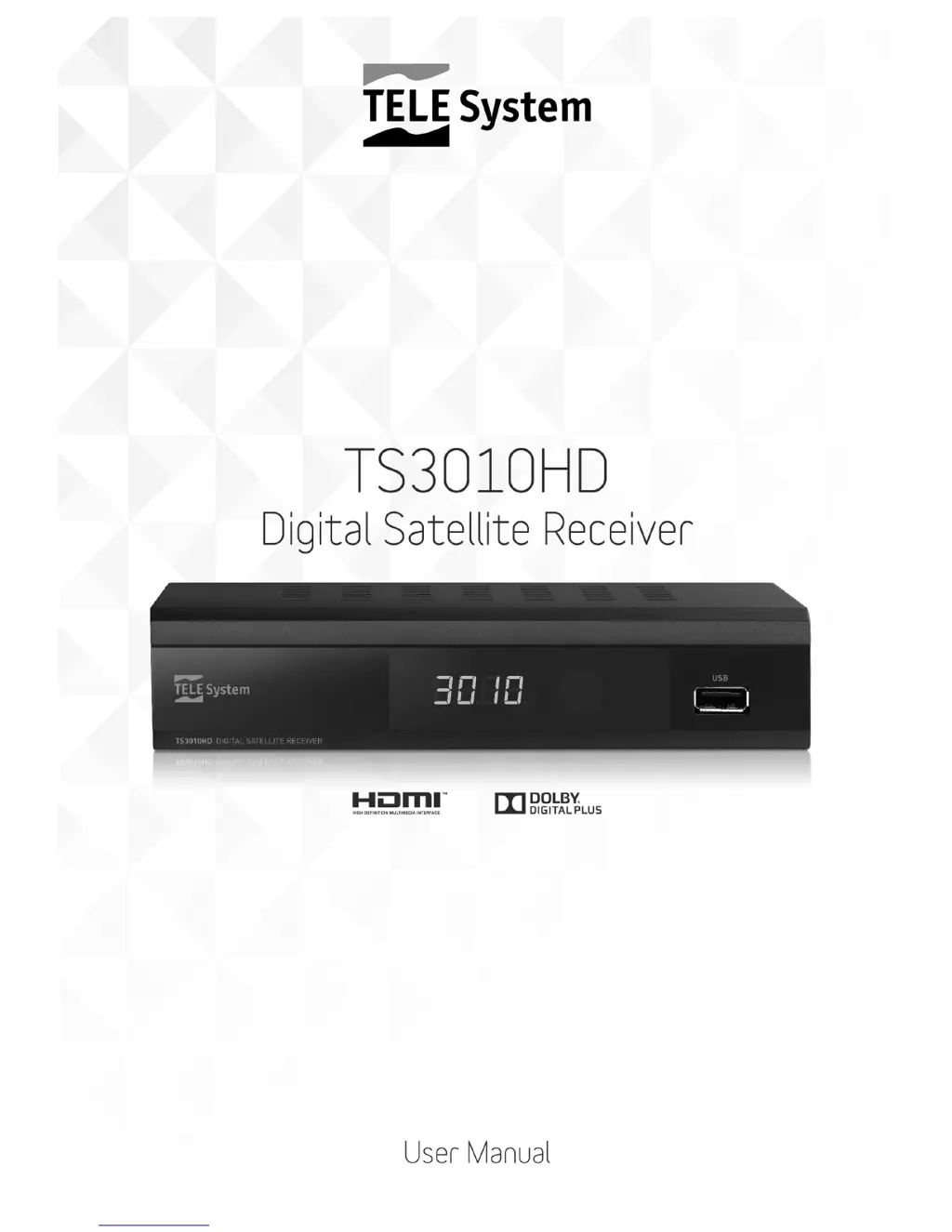
Tele System TS3010HD - User Manual

Tele System TS3010HD
24 pages
Print Icon
To Next Page IconTo Next Page
Loading...
Manuale utente
User manual
Manual de uso

Questions and Answers

  • M
    Marie FlowersJul 31, 2025
    What to do if there is no image or sound on Tele System TS3010HD Receiver?
    • J
      Jacqueline TannerJul 31, 2025
      If you're experiencing a lack of image or sound on your Tele System Receiver, here are a few things to check: * Ensure the receiver is not in Standby mode by turning it on. * Verify the TV SCART cable is properly connected, or that your TV is switched to the correct AV channel. * Make sure your TV is turned on and set to the correct audio/video channel. * The channel may be obsolete or coded, so try changing the channel or performing a new channel search.
  • P
    Phillip HollandAug 5, 2025
    Why does my Tele System TS3010HD Receiver say no signal?
    • O
      Olivia GilbertAug 5, 2025
      If your Tele System Receiver displays a 'No Signal' message, the issue might be with your antenna connection or setup. Here's what to check: * Ensure the antenna cable is securely connected to the receiver. * Verify that the antenna plant is properly set up, including antenna orientation, cable, switching devices, and LNBs. It's recommended to have a qualified technician perform this check. * Confirm that the type of satellite plant is correct (single or dual feed, switch, IF/IF). Consult the installer if you're unsure.
  • J
    joseph50Aug 10, 2025
    How to fix Tele System Receiver remote control that is not working?
    • J
      jennifercarrollAug 10, 2025
      If your Tele System Receiver remote control isn't working, try these steps: 1. Replace the batteries with new ones. 2. Ensure the batteries are inserted correctly, following the diagram inside the battery compartment. 3. If the remote was dropped and may be damaged, contact the distributor to purchase a new one.
  • J
    John PetersenAug 15, 2025
    What to do if Tele System TS3010HD doesn't respond to remote control?
    • K
      Kevin BakerAug 15, 2025
      If your Tele System Receiver isn't responding to the remote control, it could be temporarily blocked. Try disconnecting the receiver from the power supply, wait a few minutes, and then reconnect it. If the problem persists, refer to the troubleshooting steps for the remote control itself.
  • J
    Jay Martinez MDAug 20, 2025
    Why don't the LEDs light up on my Tele System TS3010HD?
    • S
      Sierra MaloneAug 20, 2025
      If the LEDs on the front panel of your Tele System Receiver aren't lighting up, the receiver may not be properly connected to a power source. Make sure the receiver is plugged into the power socket.
  • D
    David JohnsonAug 26, 2025
    Why are the settings on my Tele System Receiver not being memorized?
    • J
      Joseph SmithAug 27, 2025
      If the settings on your Tele System Receiver aren't being saved, ensure that you confirm your changes after each modification by pressing the corresponding confirm button.

Summary

Installation

Safety Regulations

Essential safety advice for correct and secure use of the appliance.

Remote Control

Remote Control Buttons and Functions

Comprehensive guide to all buttons on the remote and their operational meanings.

Connections

First Time Installation

USB Functions

TV Program Recording via USB

Instructions for recording television programs onto a connected USB device.

Channel Search and Setup

Dish Setup Configuration

Detailed settings for antenna and satellite configuration for optimal signal reception.

Motorized Antenna Setup

DiSEqC 1.2 Motor Control

Configuring the receiver for motorized antennas using the DiSEqC 1.2 protocol.

Advanced Satellite Setup

DiSEqC 1.3 USALS Control

Setting up motorized antennas with the DiSEqC 1.3 / USALS protocol.

Database and System Settings

System Configuration and Updates

Managing parental controls, passwords, factory resets, and software updates.

USB Multimedia and PVR

PVR and Timeshift Configuration

Setting up recording devices, Timeshift memory, and formatting USB drives.

Troubleshooting Guide

Technical Specifications

Tele System TS3010HD Specifications

General IconGeneral
BrandTele System
ModelTS3010HD
CategoryReceiver
LanguageEnglish

Related product manuals