6
ChargeTime USB-C Installation Guide
7
ChargeTime USB-C Installation Guide
Backup Battery Installation
Two (2) ‘AAA’batteries are used to back-up clock and alarm time
settings and are included with the unit.
1. Remove screws to remove the battery door cover.
2. Insert both ‘AAA’ batteries.
3. Replace the battery door and screw back in place to secure.
Note: The batteries are used to backup the clock and alarm times
when the AC adapter is disconnected or there is a power failure.
When replacing the batteries, do not disconnect the AC power
adapter, otherwise the current time and alarm will be erased.
Backup System
All settings are memorized, however, the clock time could
occasionally need to be readjusted.
If backup batteries are not installed, the screen will be ash to
indicate any power failure, you will need to redo your settings.
USB Charging Ports
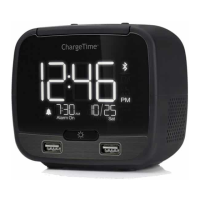
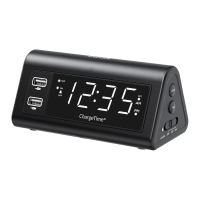
This device includes three USB ports, 1 x USB-C and 2 x USB-A.
The USB ports support powering and charging most devices
including iPhone, iPad, iPod, Android devices, e-readers, digital
cameras and more (USB cables sold separately).
The USB-C port can supply 5V/3A, and the USB-A ports can supply
5V/2.4A each.
Battery Precautions
Follow these precautions when using the batteries in this device:
1. Warning - danger of explosion if batteries are incorrectly
replaced. Replace only with the same or equivalent type.
2. Use only the size and type of batteries specied.
3. Be sure to follow the correct polarity when installing the
batteries as indicated. A reversed battery may cause damage
to the device.
4. Do not mix different types of batteries together (e.g Alkaline,
Rechargeable, and Carbon-zinc) or old batteries with fresh
ones.
5. If the device is not to be used for a long period of time,
remove the batteries to prevent damage or injury from
possible battery leakage.
6. Do not try to recharge a battery not intended to be recharged
- it can overheat and rupture.


 To Next Page