Need help?
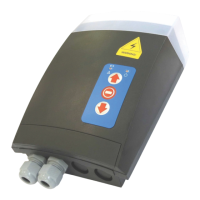
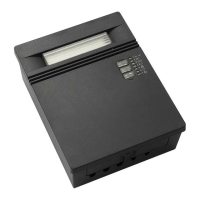
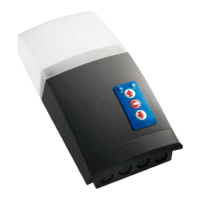
Do you have a question about the TELECO AUTOMATION TVNRG868A01 and is the answer not in the manual?
Details on how to mount the control unit, including dimensions and opening the cover.
Guide for installing the wireless safety system, including wiring and dip switch settings.
Visual representation of the control unit's internal layout and component identification.
Instructions for connecting high and low voltage wires to the control unit terminals.
Diagrams and explanations for connecting wired safety edges (Infrared and resistive).
Procedure to set the upper and lower limit switches for the motor's travel.
Steps to deactivate the wireless safety system within a specific time frame after power-on.
Method to exclude safety edge activation in the final 5cm of door closure.
How to memorize a single button of a transmitter for basic door control.
Procedure for memorizing two buttons of a transmitter for dual functions.
Memorizing a transmitter button to control the courtesy light.
Memorizing all four channels of a transmitter simultaneously.
Process to remotely memorize the first transmitter, enabling double-channel function.
Steps to remotely add subsequent transmitters with similar functions.
How to memorize the optional wireless shock sensor for alarm activation.
Memorizing a transmitter button to request and receive door status feedback.
Instructions to remove a single transmitter from the system's memory.
Procedure for clearing all memorized transmitters from the control unit.
Method to delete a transmitter remotely using another memorized transmitter.
Configuring the delay time for automatic door closure after opening.
Setting the duration for which the courtesy light remains active.
Activating or deactivating the motor's torque monitoring for safety.
Enabling a mode to lock front cover buttons for security.
Important safety precautions, installation guidelines, and compliance information.
 General
| Brand | TELECO AUTOMATION |
|---|---|
| Model | TVNRG868A01 |
| Category | Control Systems |
| Language | English |

 To Next Page